

The Skybox tool lets you quickly replace the scene background and apply preset templates to simulate different times of day and weather conditions.
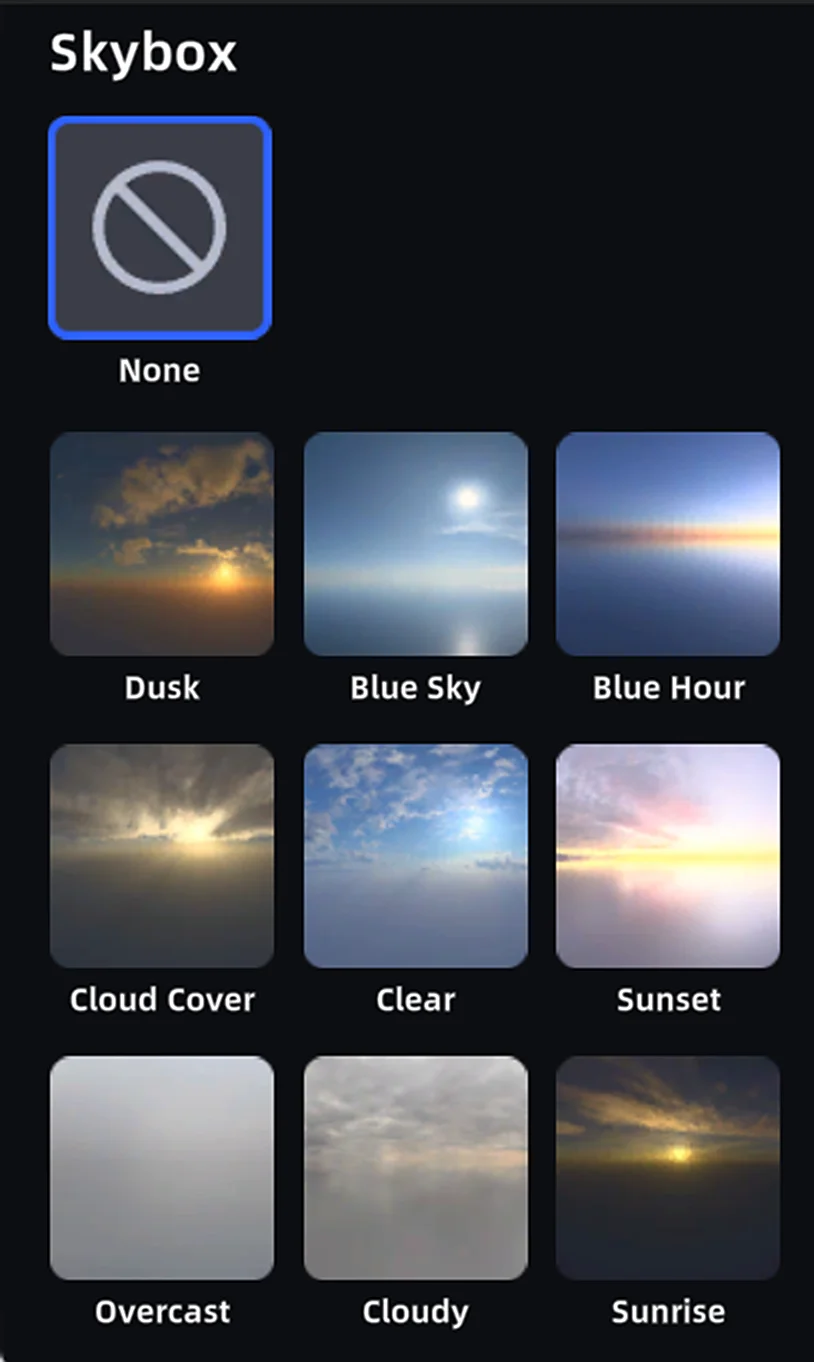
Preset Skyboxes
How to Use
- Click the Skybox button to open the skybox settings panel
- The panel shows multiple preset templates — click any to preview and apply
Note: The skybox conflicts with environment data. Enabling the skybox automatically disables environment data.
This chapter is from the official XGRIDS user manual. Official source (opens in a new tab) · Updated:



