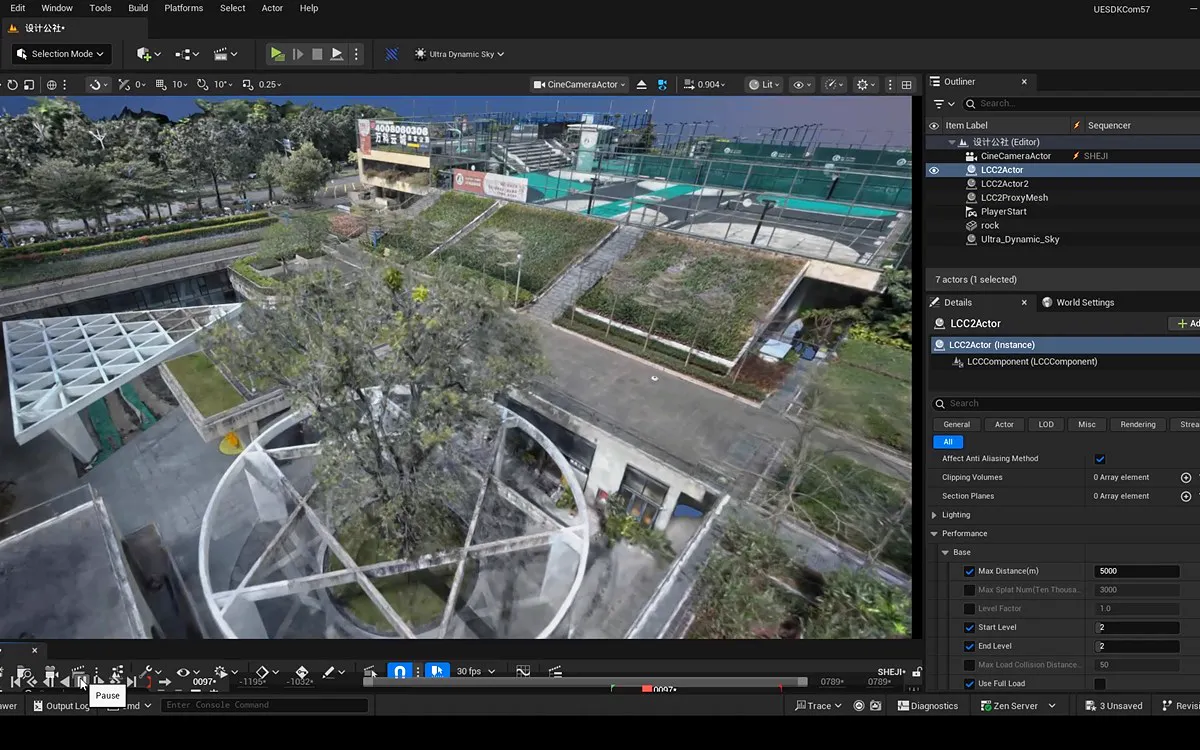
Can I import my existing 3D Gaussian assets directly with the plugin?
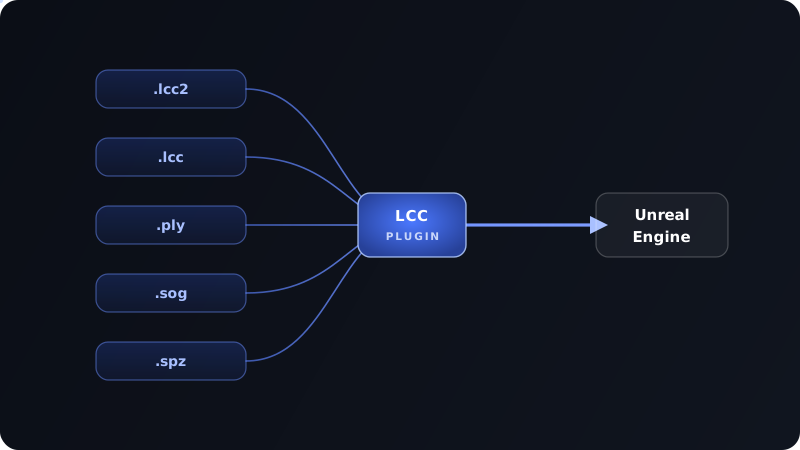
Yes. The LCC Plugin for UE supports the mainstream 3D Gaussian Splatting formats (.lcc2, .lcc, .ply, .sog, and .spz), so your existing Gaussian assets can be brought into Unreal Engine directly. For very large scenes, we recommend converting to the native LCC2 format for higher frame rates.
Which Unreal Engine versions are supported?
Version 1.0.0 and later support UE 5.4–UE 5.8; versions before 1.0.0 support UE 5.1–UE 5.7.
How is it different from other 3D Gaussian UE plugins?
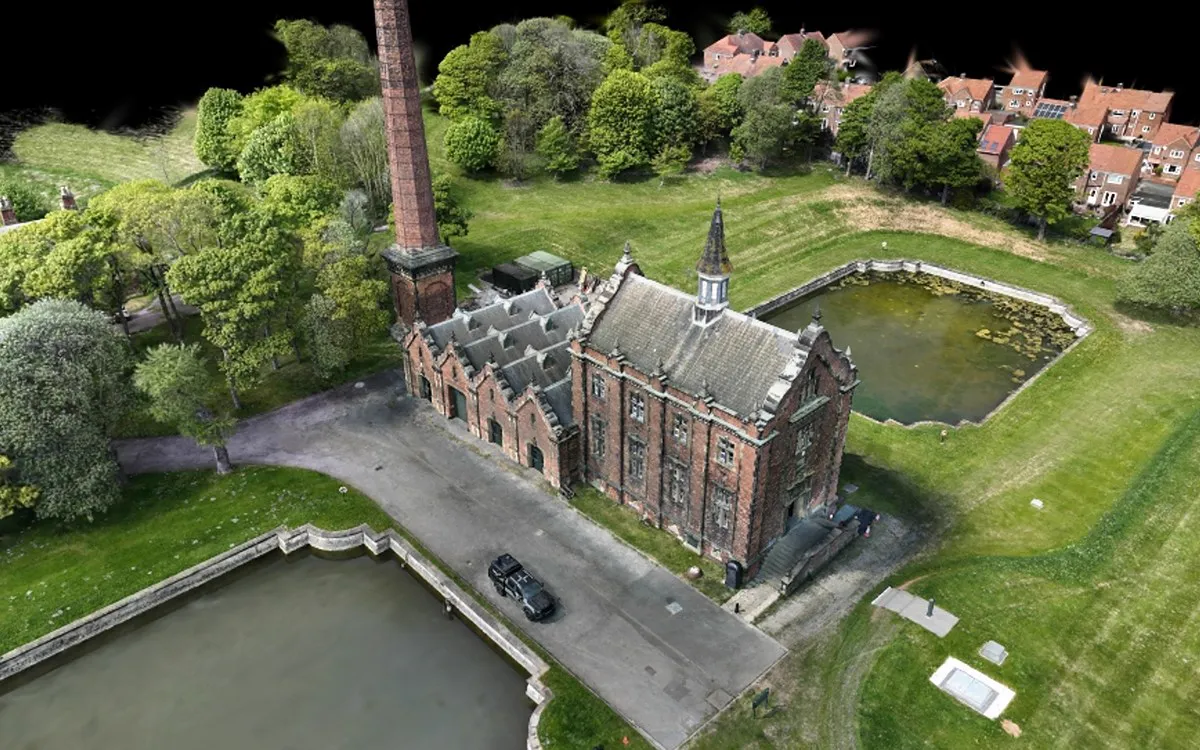
The biggest differences are scale and realism. Most UE Gaussian plugins stop at the million-point range, while, according to XGRIDS, the LCC Plugin for UE is currently the only solution that loads billion-scale 3D Gaussian scenes into Unreal Engine in full. It also supports same-scale mesh-based relighting (cast shadows, self-shadowing, reflections) and native depth of field; most comparable solutions can't do self-shadowing or reflections at all.
Can it plug into my existing virtual production pipeline?
Yes. The plugin natively supports Unreal Engine nDisplay and disguise, and can be quickly extended to Unreal-based virtual production platforms like Pixotope and Aximmetry. It is Blueprint-callable and supports OCIO / ACES production-grade color management.
Built on LCC2's high-performance rendering, it sustains high frame rates even for very large 3D Gaussian scenes, meeting the real-time and smoothness demands of LED virtual production and XR broadcasting. In XGRIDS testing, a 50-million-Gaussian scene renders at around 60–90 FPS; frame rates vary with hardware and scene.
Which VR headsets are supported?
Mainstream VR / XR devices including Meta Quest and PICO are supported. The plugin streams Gaussian scenes to headsets in real time via PC streaming, and combined with streaming LoD (Level of Detail), even large-scale real-world scenes stay smooth with high frame rates and low latency.
What's the difference between relighting in the Free and Pro versions?
Free relighting computes lighting from simulated normals on the 3D Gaussians, letting you quickly adjust overall lighting — suitable for previews and design presentations. But without real geometry, the Gaussian scene can't produce accurate self-shadowing, so lighting relationships and reflections are relatively limited.
Pro relighting computes lighting from a mesh generated at the same scale as the Gaussian scene, using real normals in rendering to achieve more accurate shadows, reflections, and self-shadowing on the Gaussian scene — delivering more realistic, physically based lighting that meets the needs of film virtual production and cinematic-grade rendering.