Skip to content
TREN
Atlıhan Harita

Scan-to-BIM integration

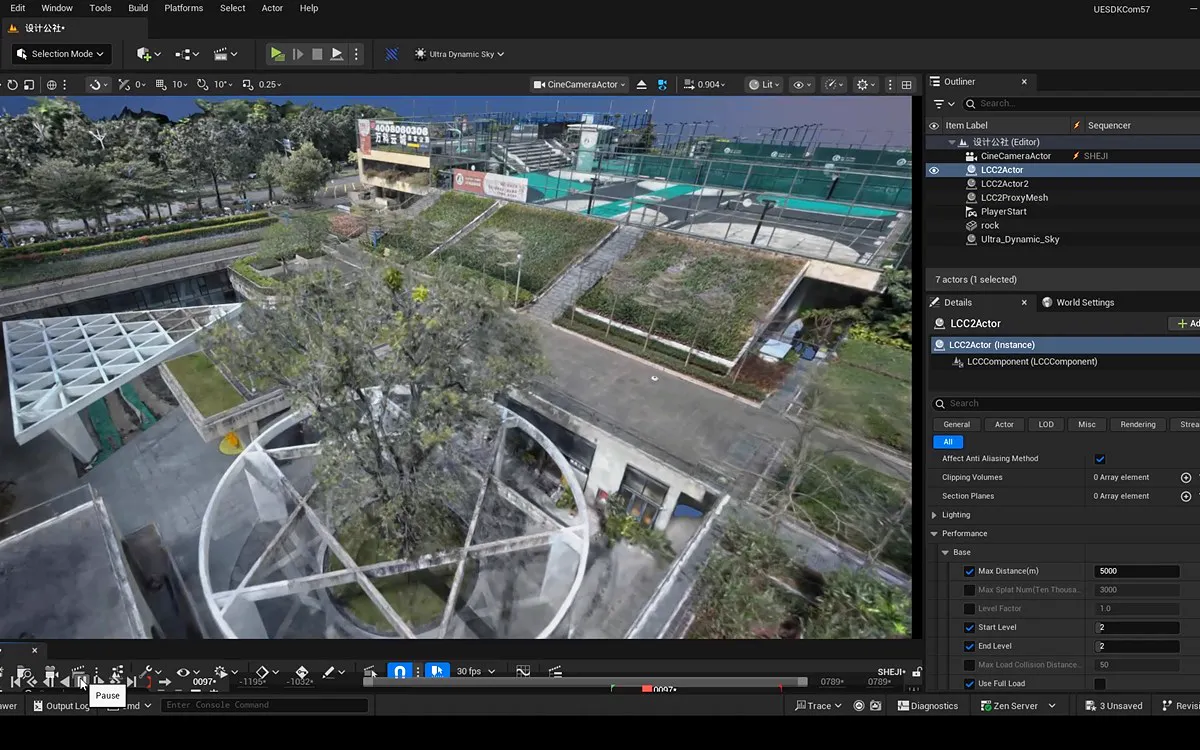
LCC Revit PluginAI-Powered 3D Gaussian Splatting BIM Modeling Tool

Autodesk-partnered LCC Revit Plugin seamlessly connects Revit with LCC models to deliver efficient, intuitive, and detail-rich BIM modeling experiences.

Shorter modeling (XGRIDS data)
70%–90
120㎡ scan
5 min
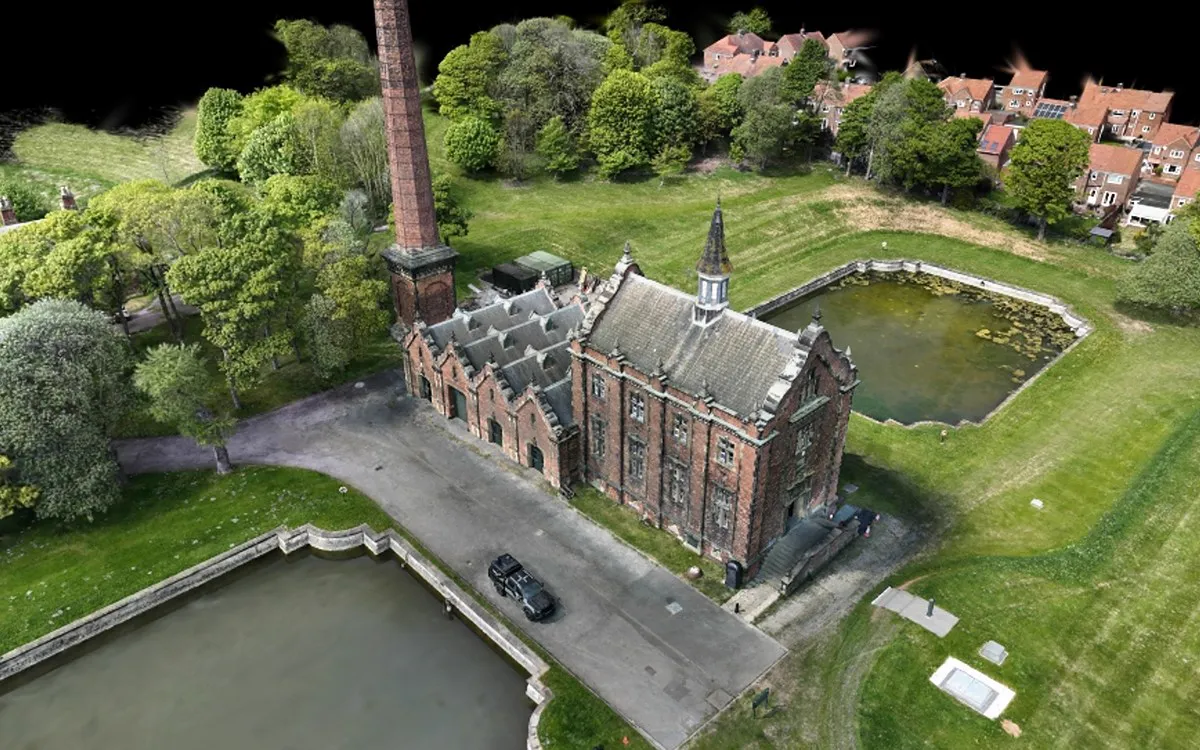
Auto-generated 3DGS model
70 min
BIM in Revit
2 min

Scan-to-BIM

Scan-to-BIM in Three Simple Steps

Capture, process, model. XGRIDS states that modeling time drops by 70–90%; the times below are for a 120 m² example space and vary by project.

  1. Capture

    5 min to scan 120㎡ with Lixel scanners

  2. Process

    70 min to auto-generate 3DGS model

  3. Model

    2 min to create BIM in Revit

LCC Revit Plugin Features

01Spatial Recognition

One-Click BIM Generation

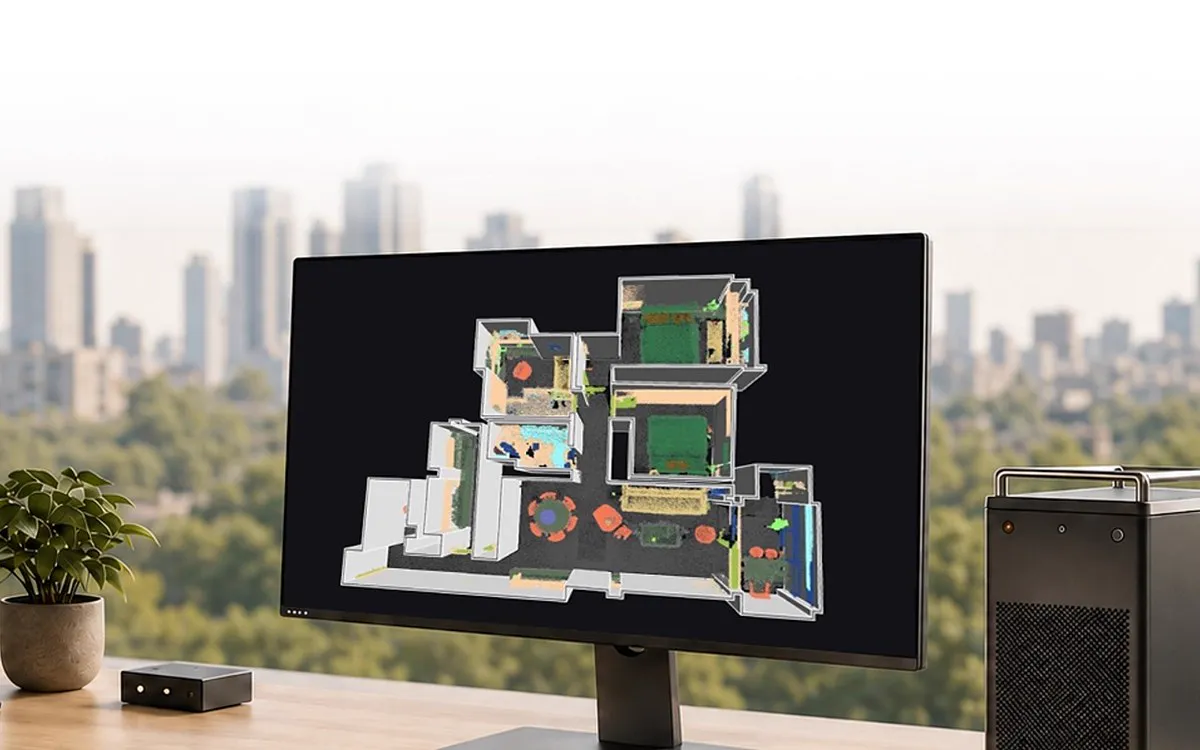
Advanced AI automatically identifies spatial structures—walls, doors, windows, and levels—during reconstruction, enabling one-click BIM generation with precise geometric accuracy.

Spatial Recognition is an advanced feature requiring activation in LCC Studio. If not enabled, use Draw mode for manual modeling
02Revit-LCC Integration

Real-Time Alignment Between BIM and On-Site Reality

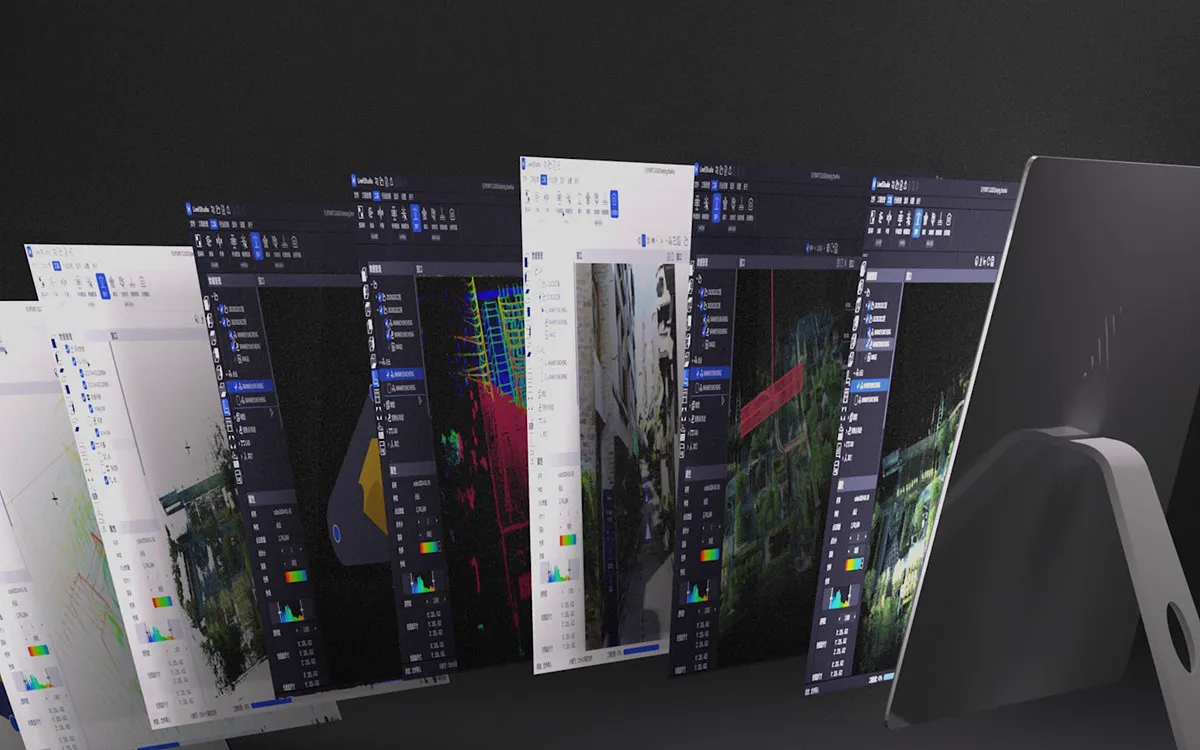
Achieve real-time alignment between BIM models and LCC spatial models, giving modeling teams authentic on-site references that reduce guesswork and errors.

03Camera Sync

See Issues From the Same Viewpoint

Live camera synchronization between Revit and LCC Viewer enables instant visual verification. Quickly locate and resolve modeling discrepancies with synchronized viewpoints.

04Semantic Grouping

Point Cloud Grouped by Building Elements

Automatically categorizes scan data by building elements, revealing spatial relationships for faster layout analysis and accurate BIM modeling

XGRIDS Türkiye

Speed Up Your Scan-to-BIM Workflow

See the LCC Revit Plugin on your own project. Talk to our expert team for a demo, sample data, and a quote.

+90 216 546 0804