

Different scenes have different route requirements. This chapter provides route planning suggestions for common outdoor and indoor scenes.
Overall Route Principles
- Ensure as rich a set of observations as possible during scanning.
- Avoid continuously scanning only new areas; walk some loop closures where appropriate.
- Minimize the influence of moving objects.
Outdoor Scenes
Typical scenes: parks, campuses, building clusters, etc.
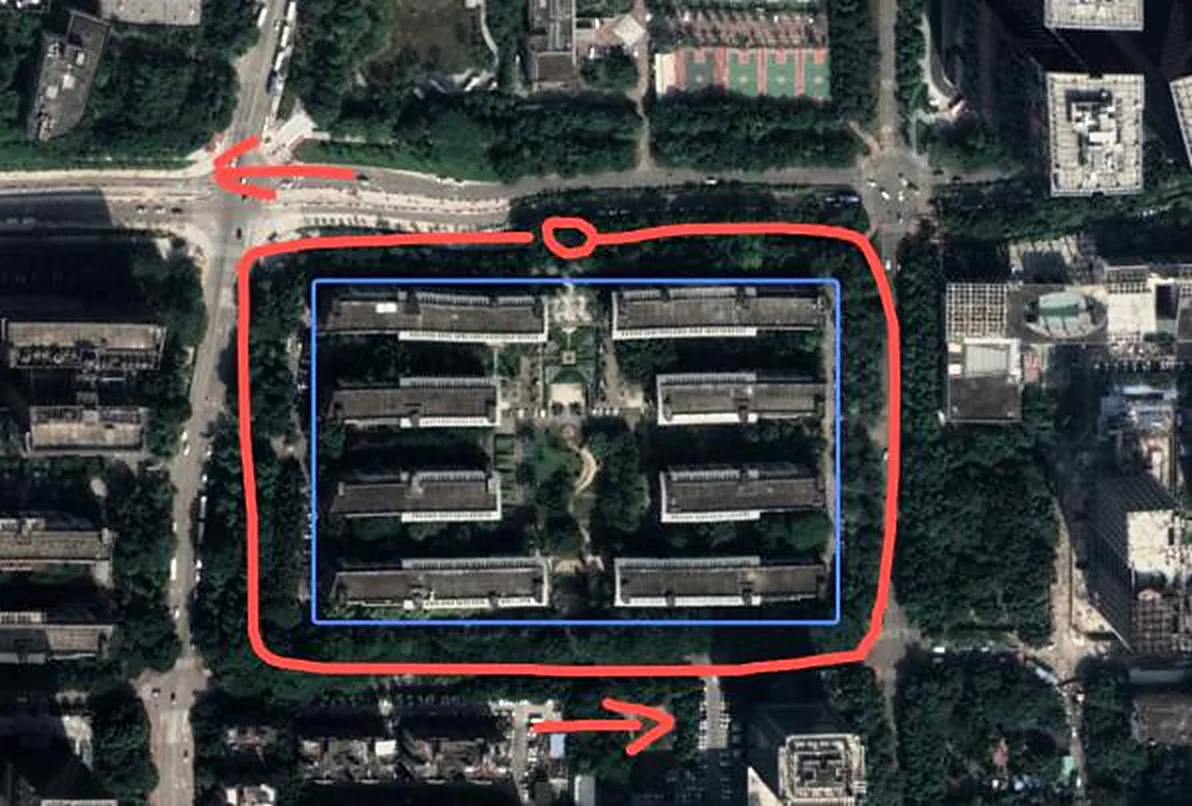
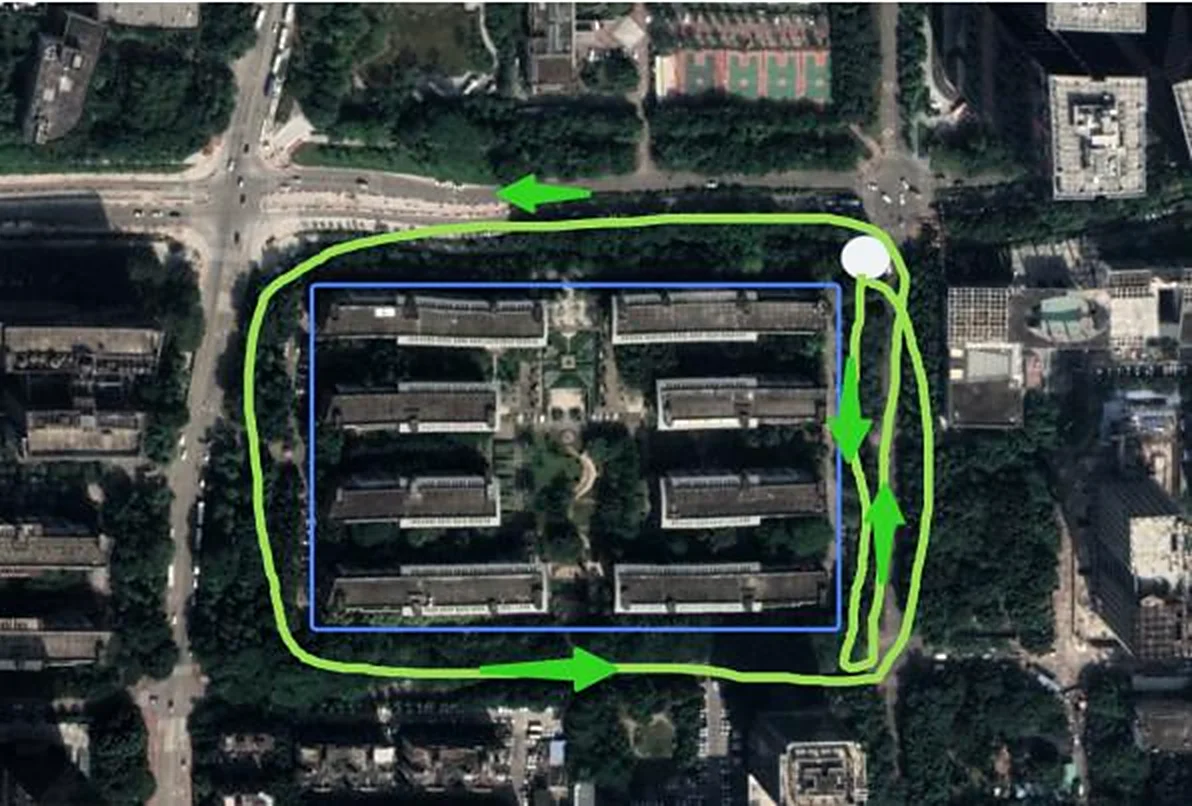
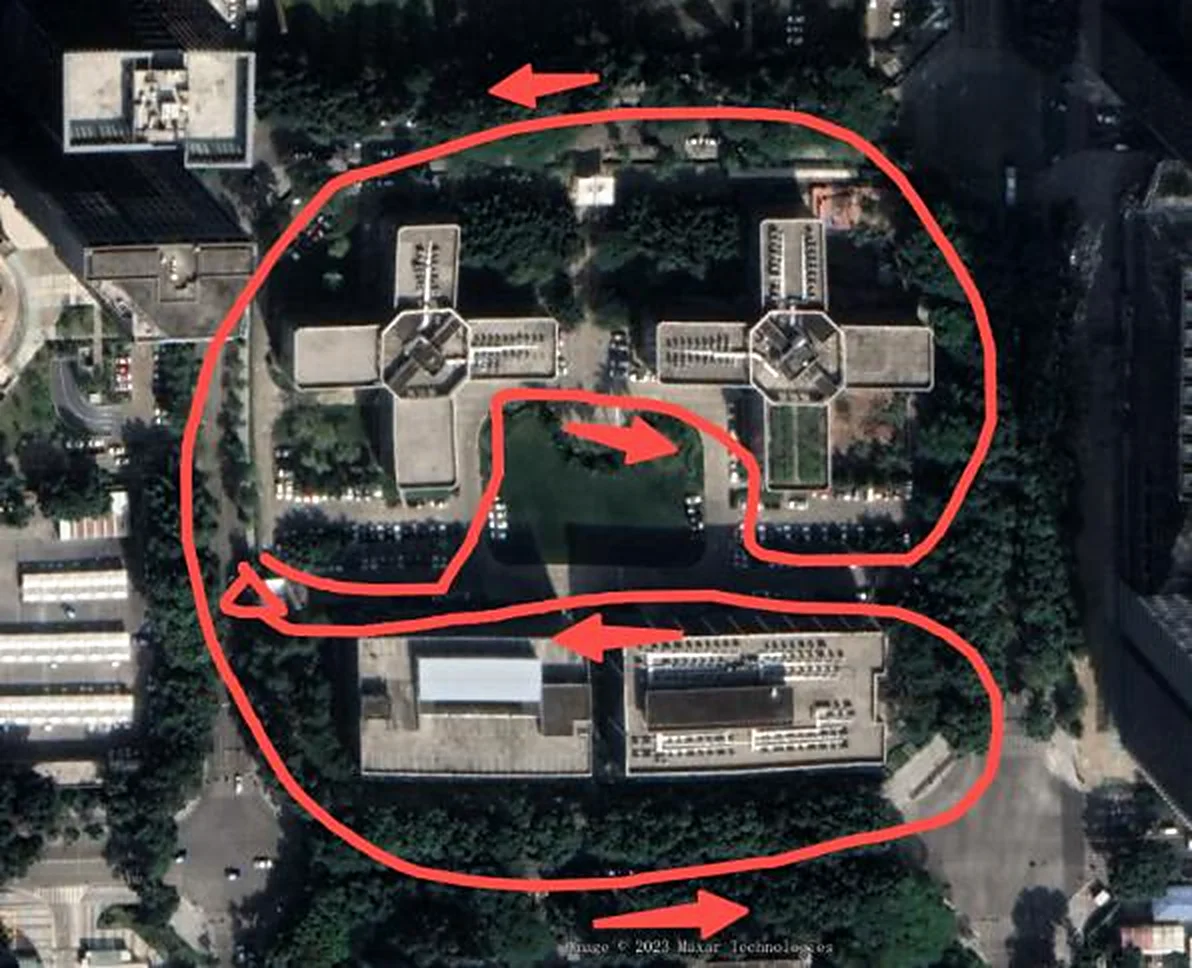
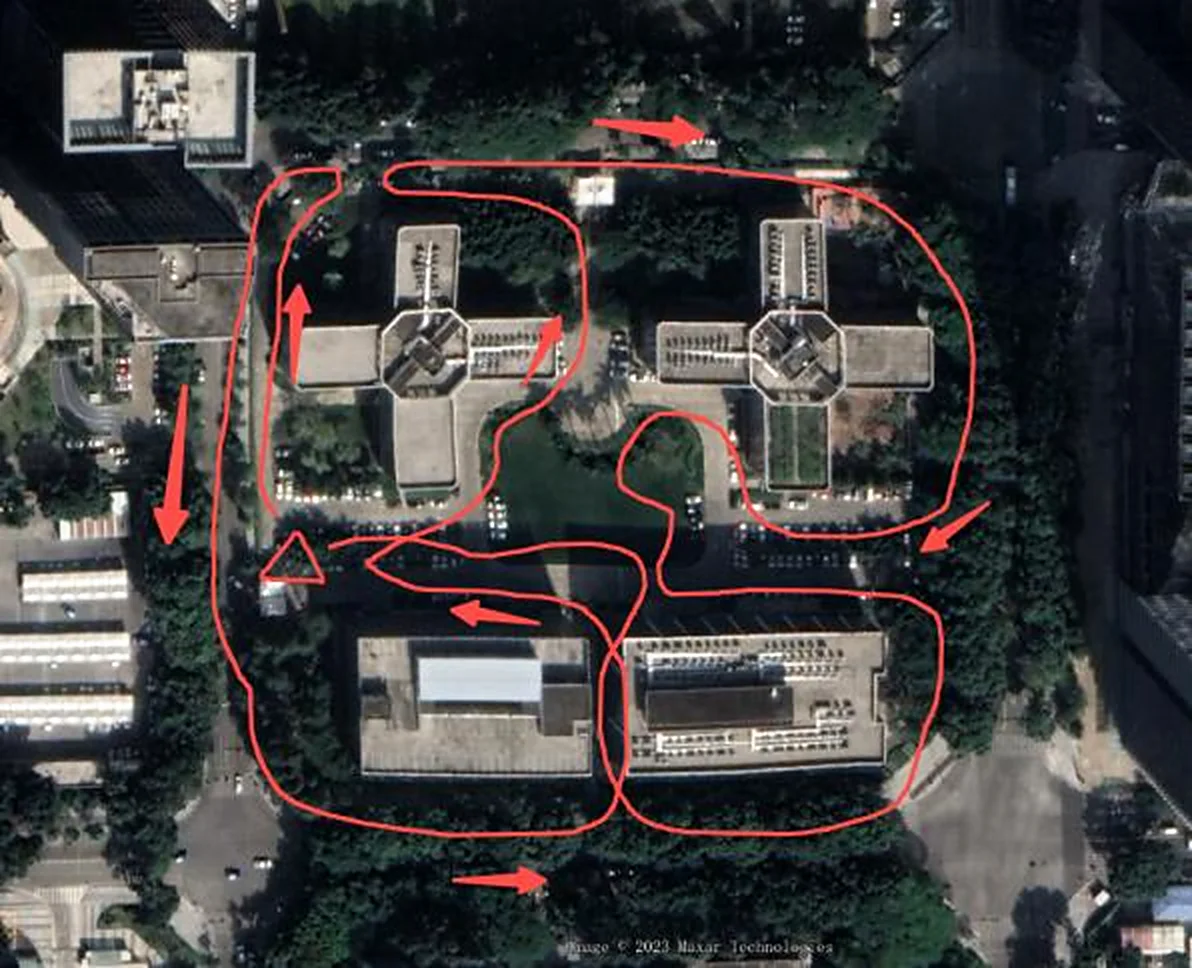
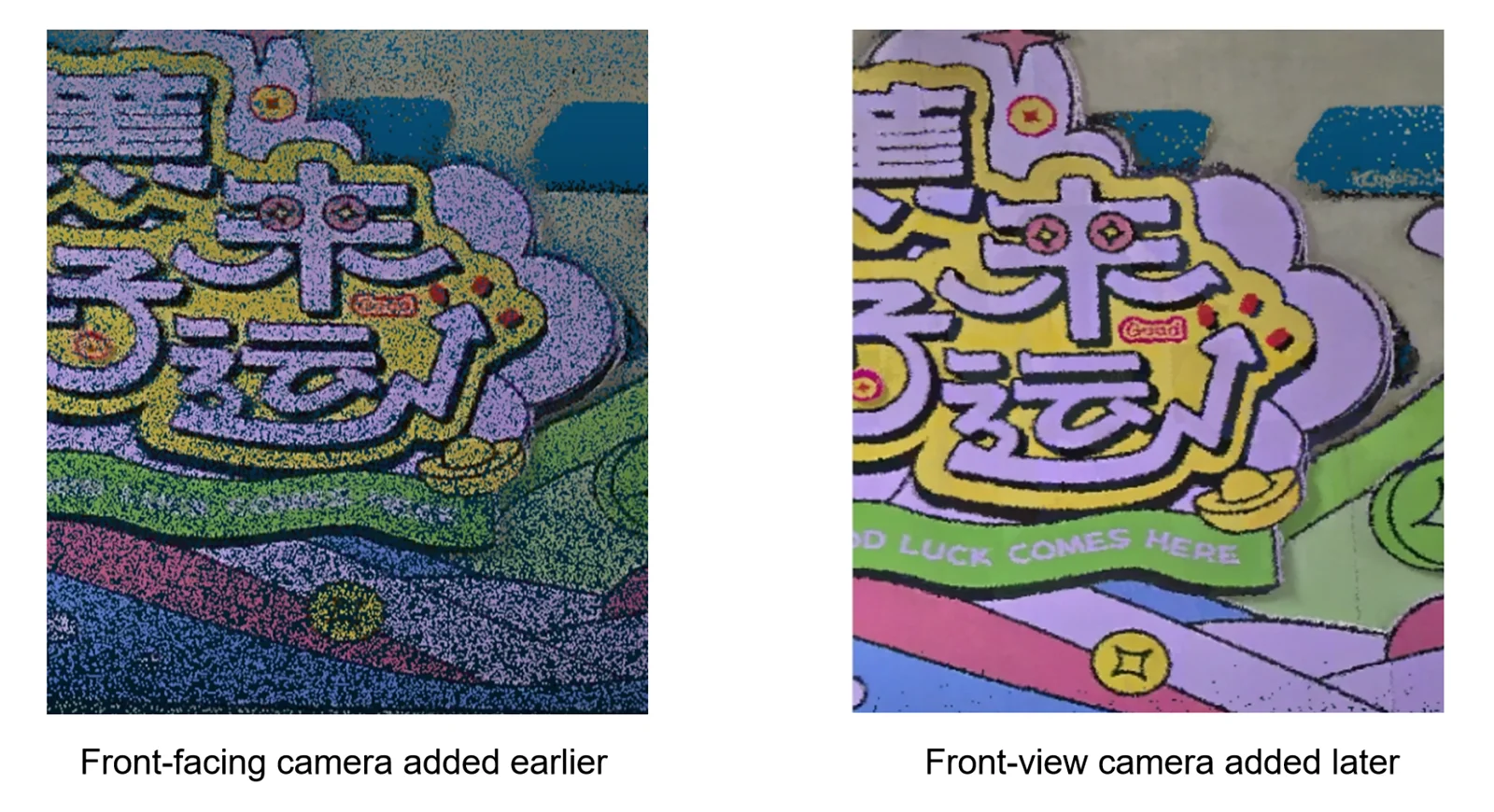
Texture-rich scenes
- When texture and text information are abundant, point the front camera toward the scan area and scan in an up-and-down "U" pattern. Recommended scene scan speed ≤ 1.0 m/s, HD scan speed ≤ 0.5 m/s, keeping about 0.5–1 m from the target.
- Ground markers: tilt the device downward at a small angle (less than 30°) for HD scanning.
Indoor Scenes
Using a common office as an example.
Route Planning
- Similar to a multi-floor indoor parking lot, scan top-down in a serpentine path.
- Use the same control point marking method as the parking lot scene, choosing absolute-coordinate control points and core areas.
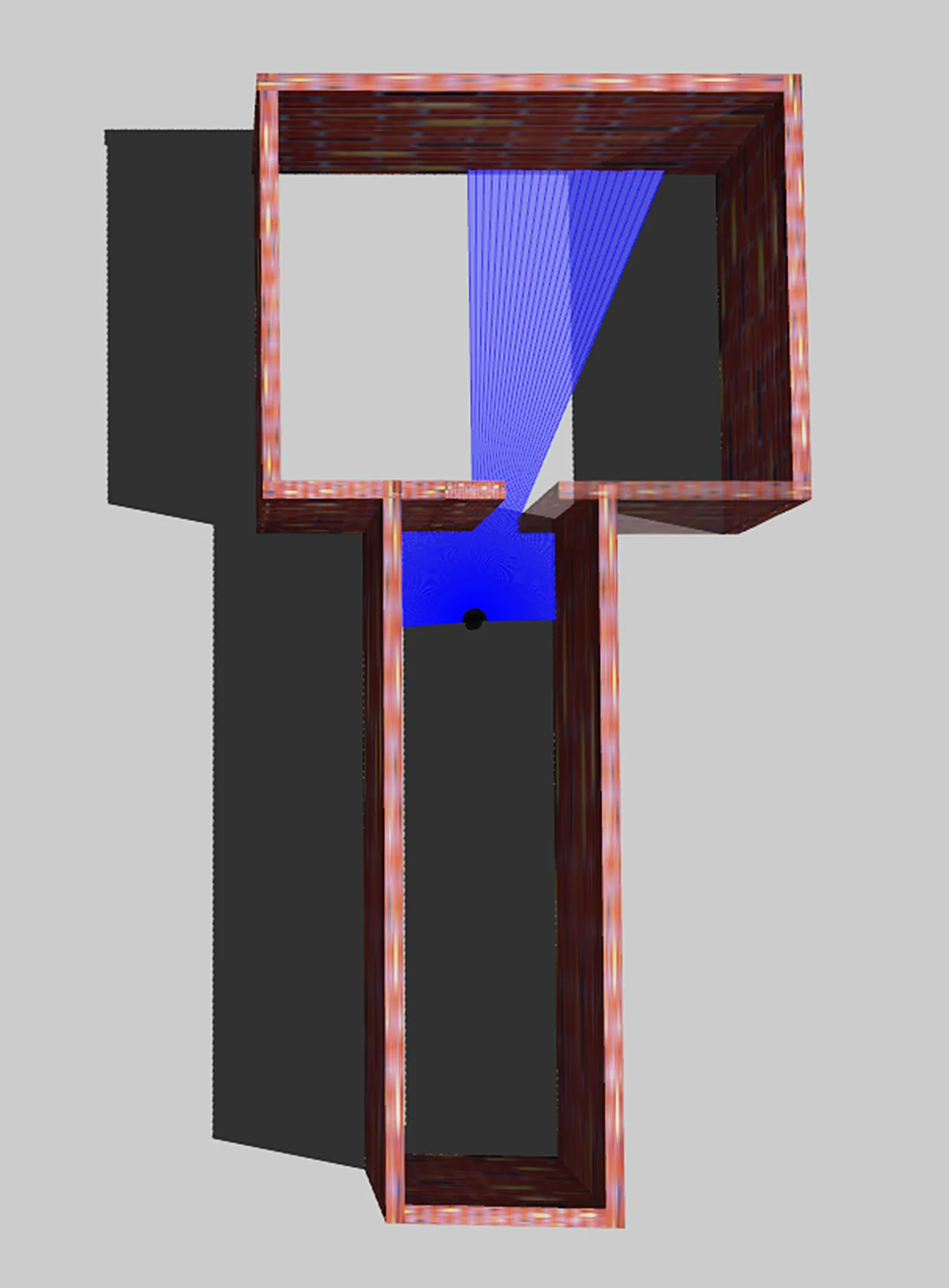
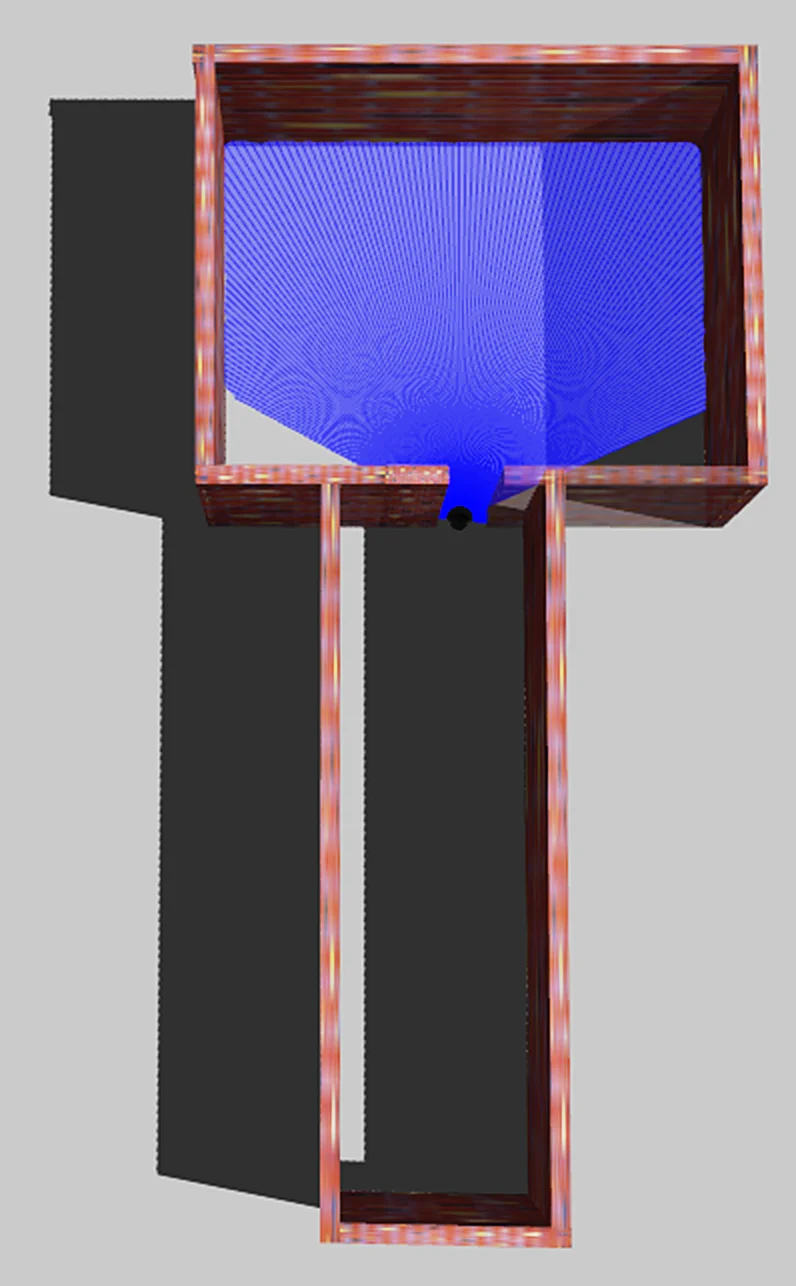
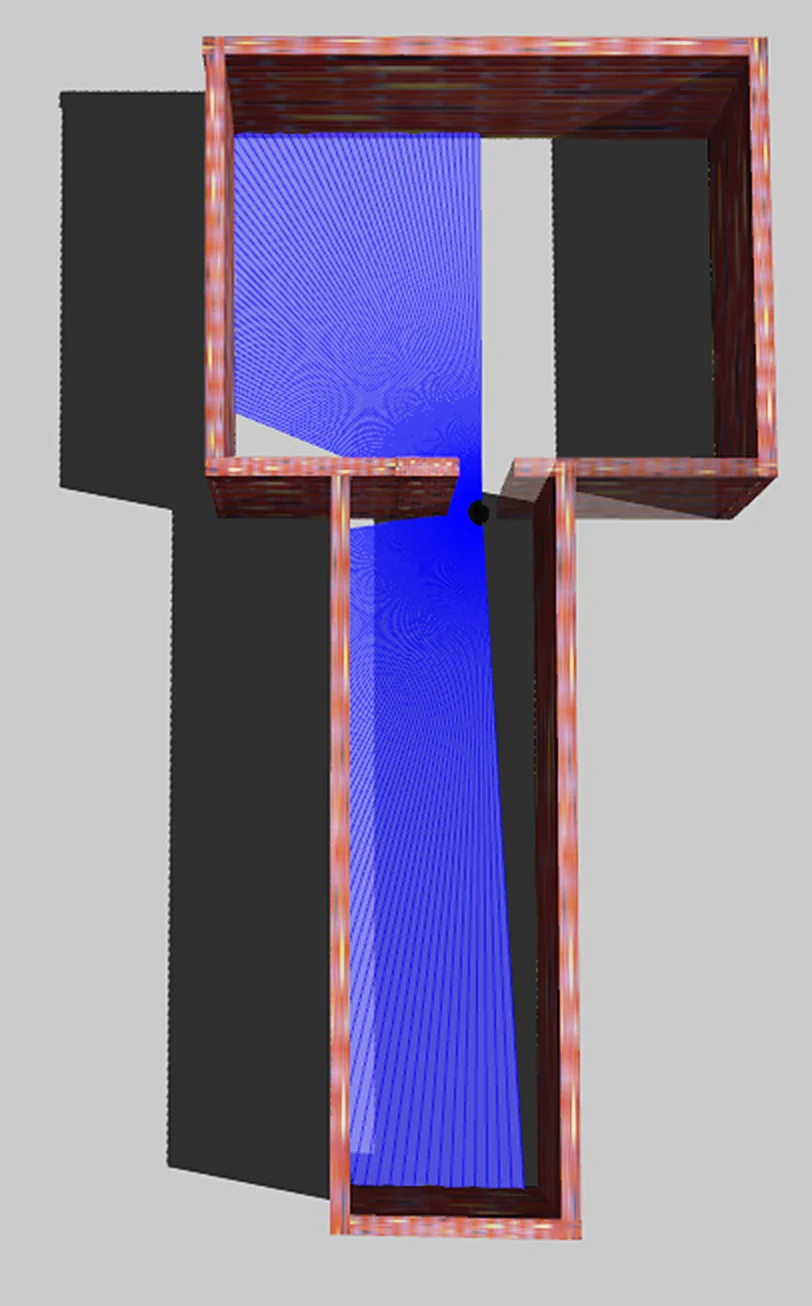
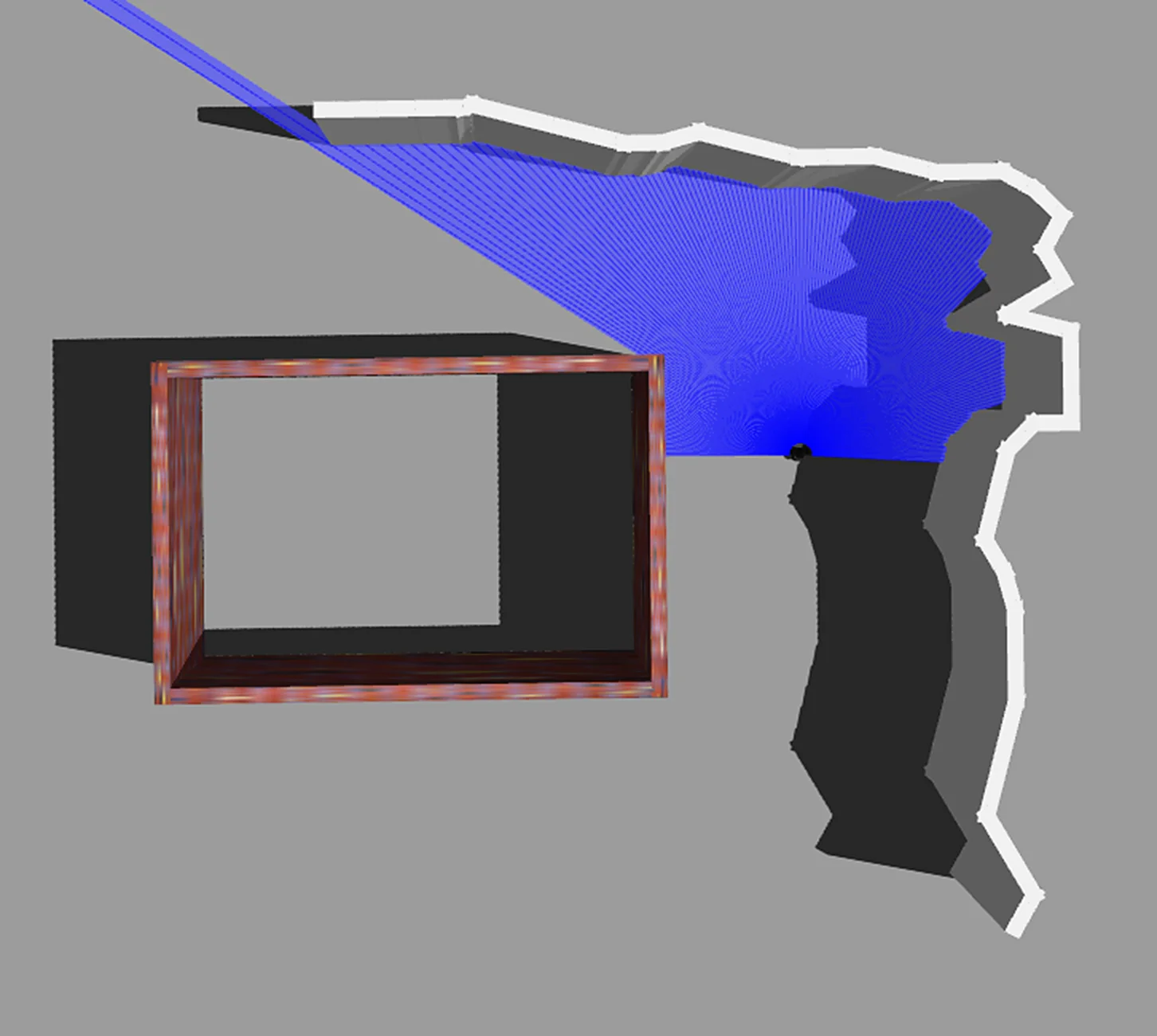
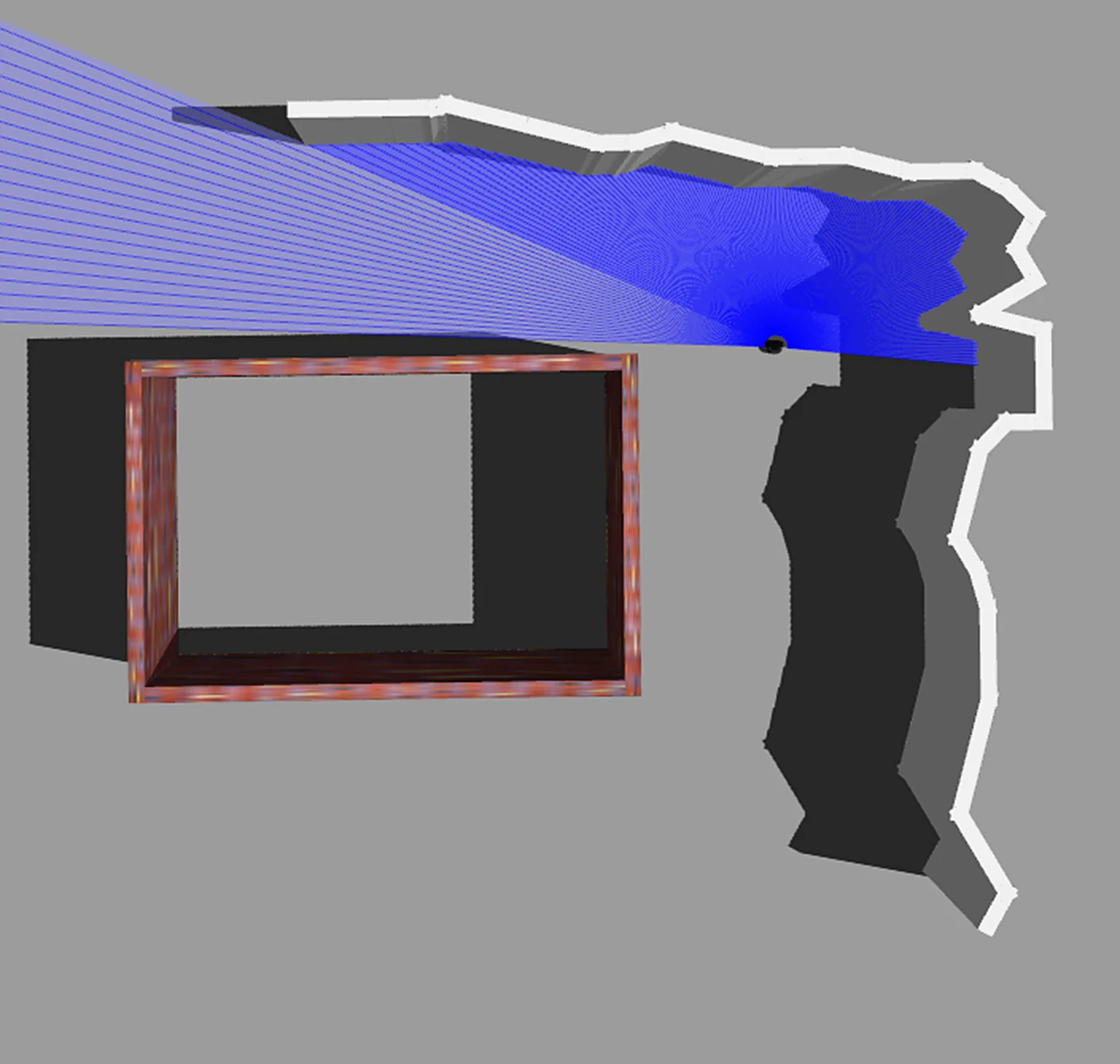
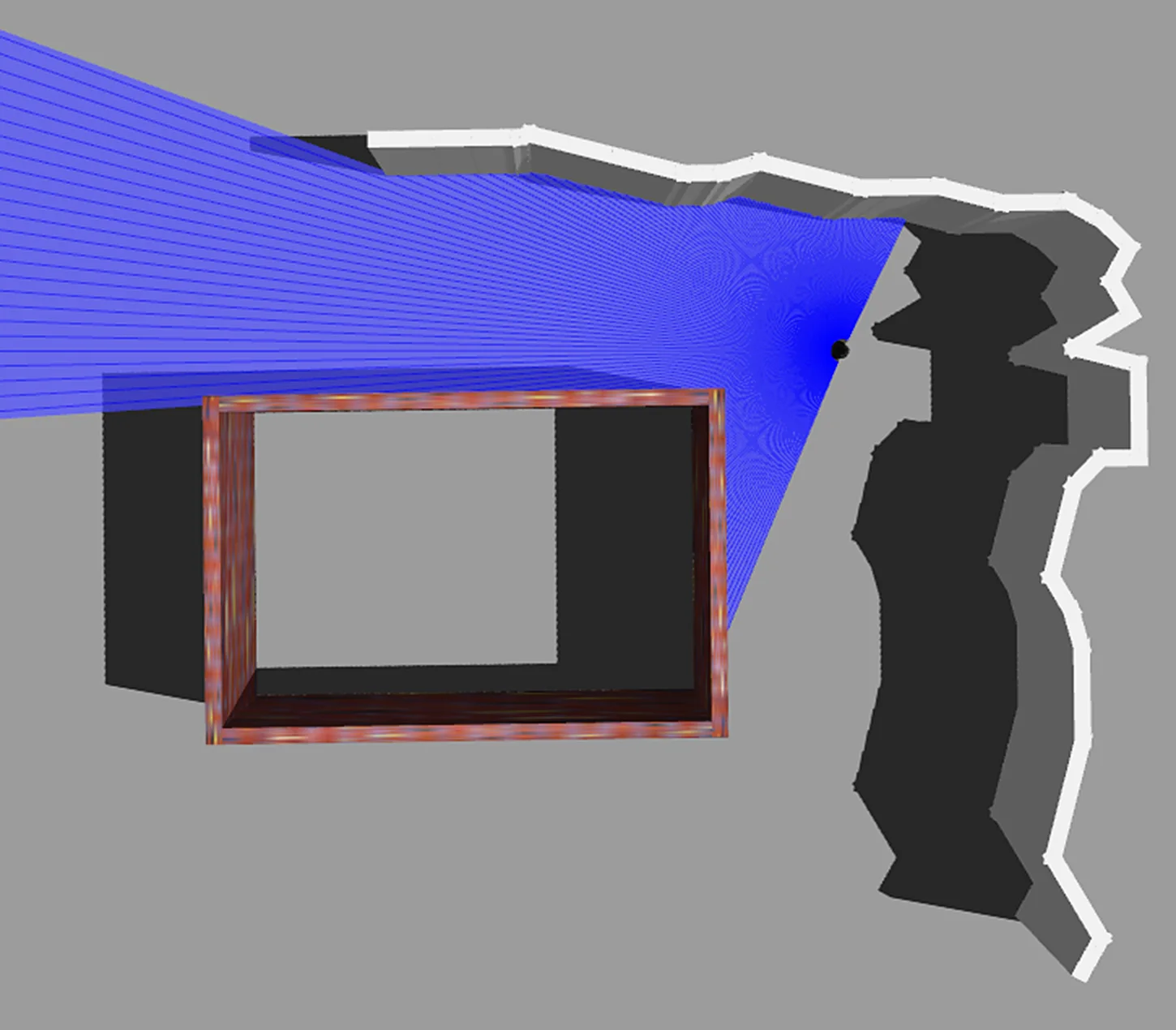
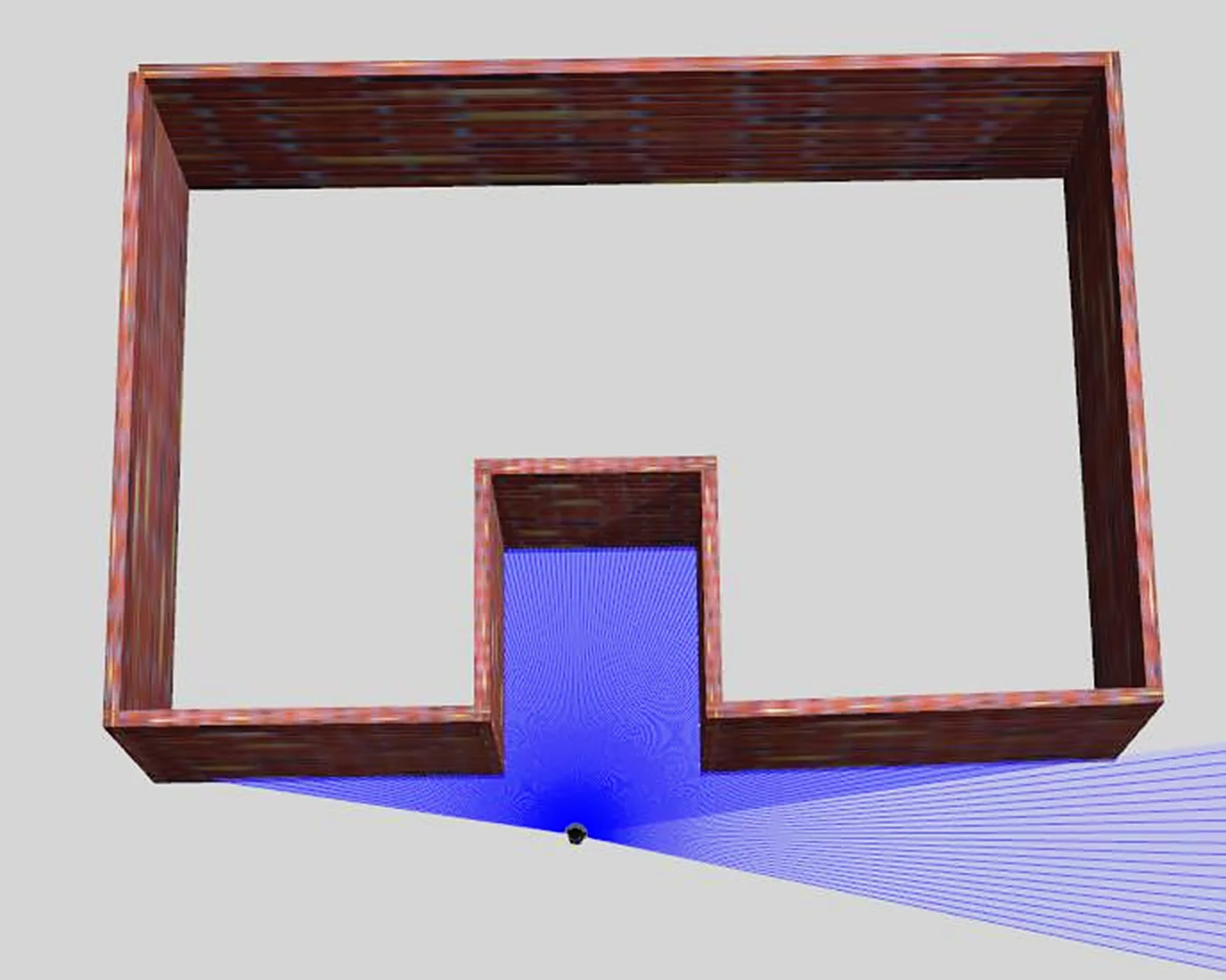
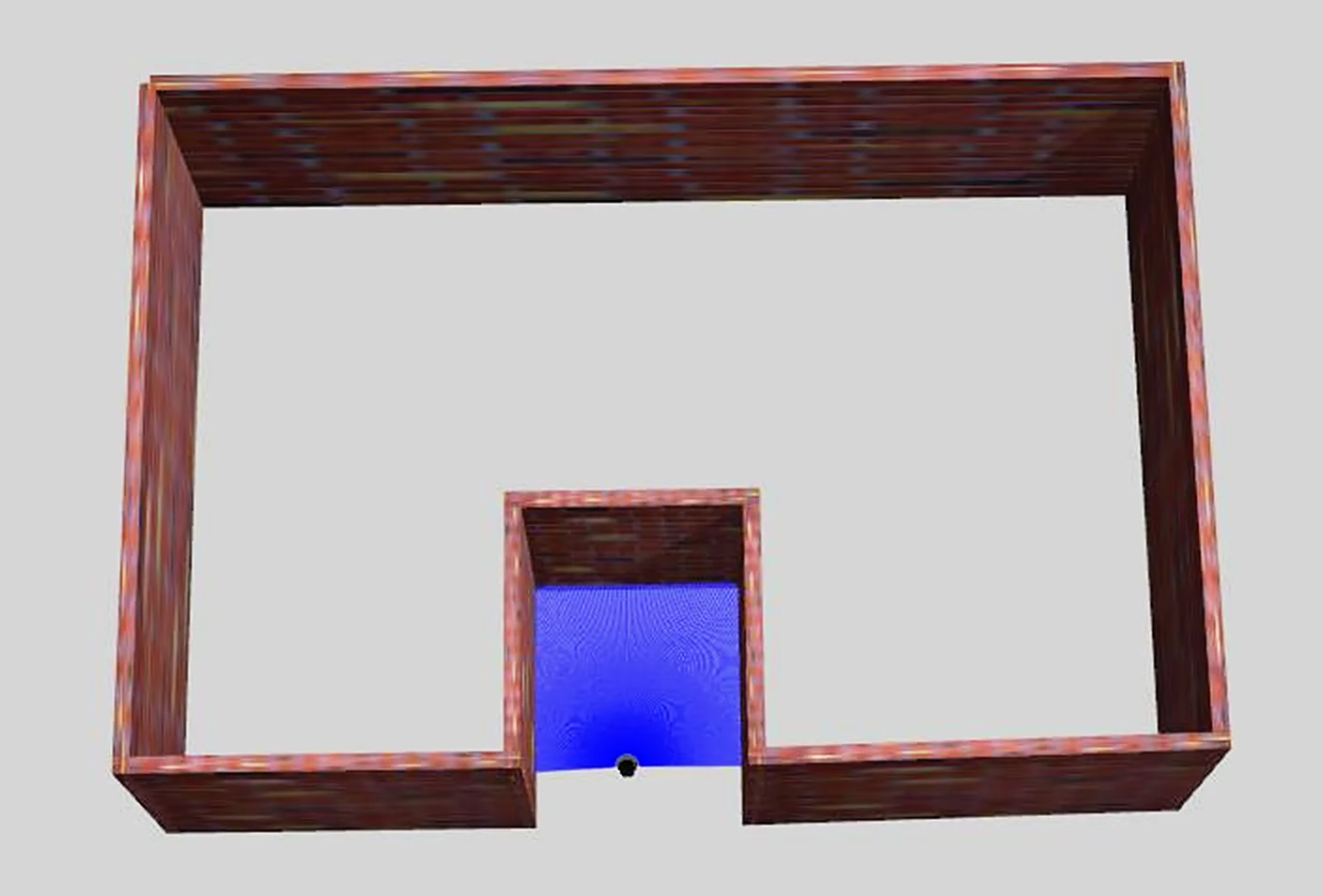
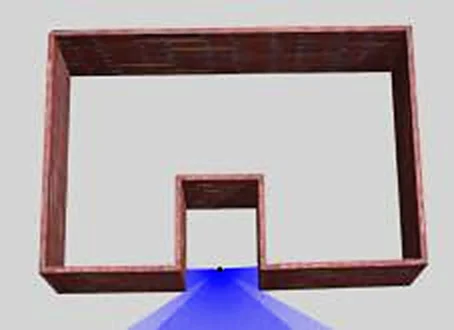
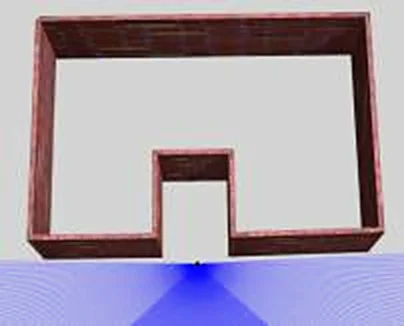
Entering and Exiting Doors
- Wrong example: entering head-on makes the indoor and outdoor laser point clouds lose their shared field of view and reference objects, causing skewed data.
- Correct example: enter sideways so that the indoor laser point cloud and the pre-entry scan area share a field of view, better connecting indoor and outdoor data.
Turning Corners
- Wrong example: walking straight ahead loses the field of view of the lower-left wall, leaving the laser point cloud without reference objects and prone to inaccuracy.
- Correct example: turn your body at an angle when cornering, so the laser scans both the lower-left wall and the right-side contour at the same time, better connecting the data.
Entering and Exiting Narrow Spaces
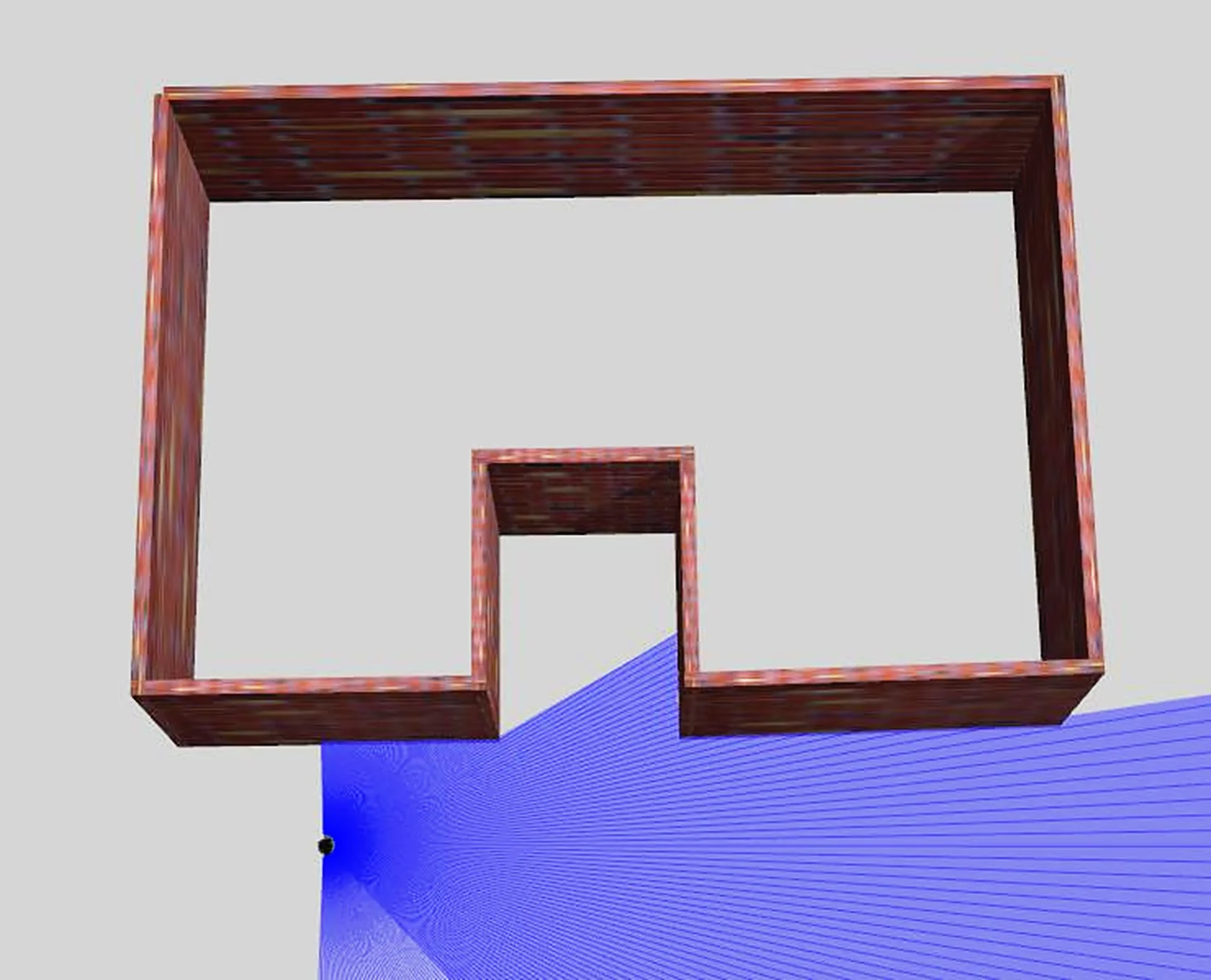
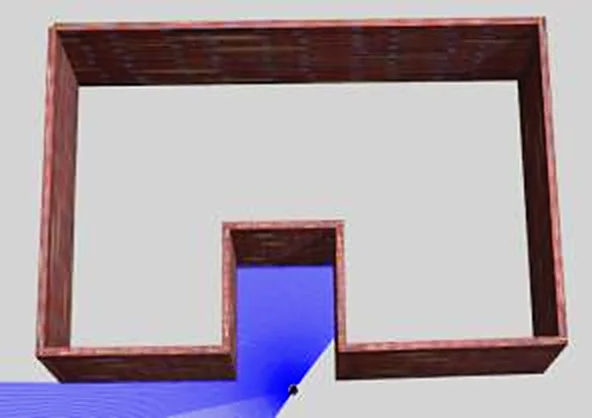
When exiting after scanning a narrow space, check whether there are enough reference objects during scanning and whether the structural features are clear. If neither condition is met, when exiting, point the field of view at areas with good structural features as much as possible, and avoid large view changes.
- Wrong example: turning around directly to exit causes missing reference objects and insufficient structural feature constraints.
- Correct example: back out or exit sideways.
Ceiling and Ground
In narrow areas, due to the LiDAR's FOV limits, tilt the device appropriately (< 30°).
In constrained scenes, you can slowly tilt the device (> 30° and < 60°, for no more than 30 seconds) while relatively stationary to supplement scanning of the ground or ceiling.
This chapter is from the official XGRIDS user manual. Official source (opens in a new tab) · Updated:



