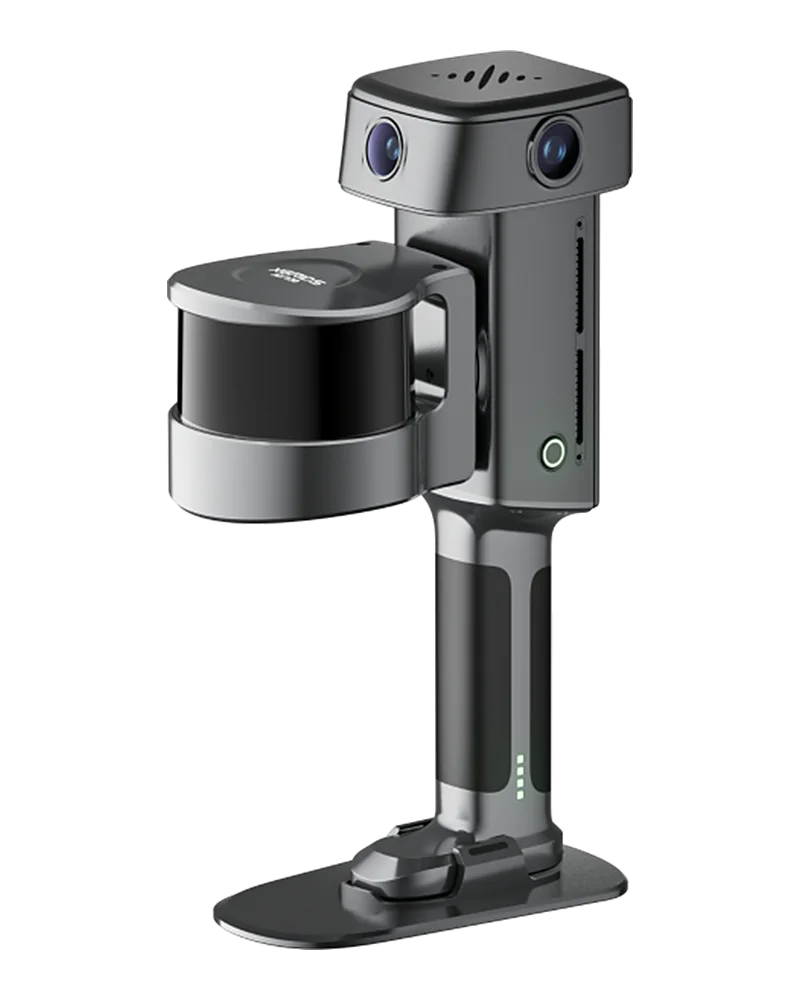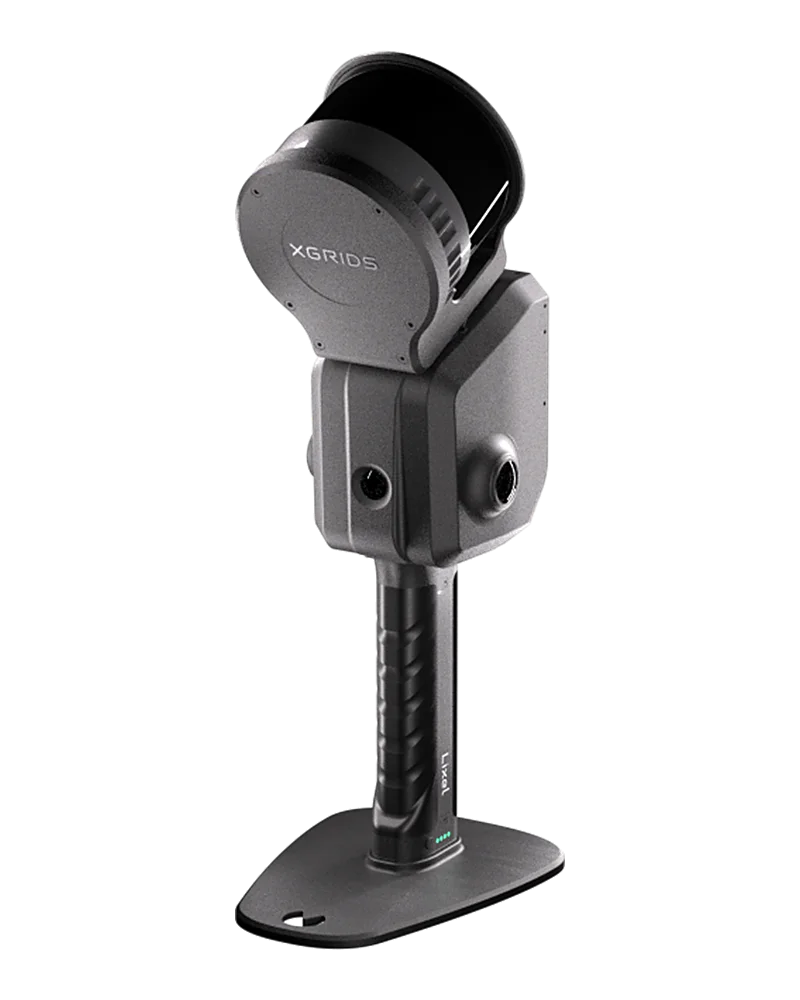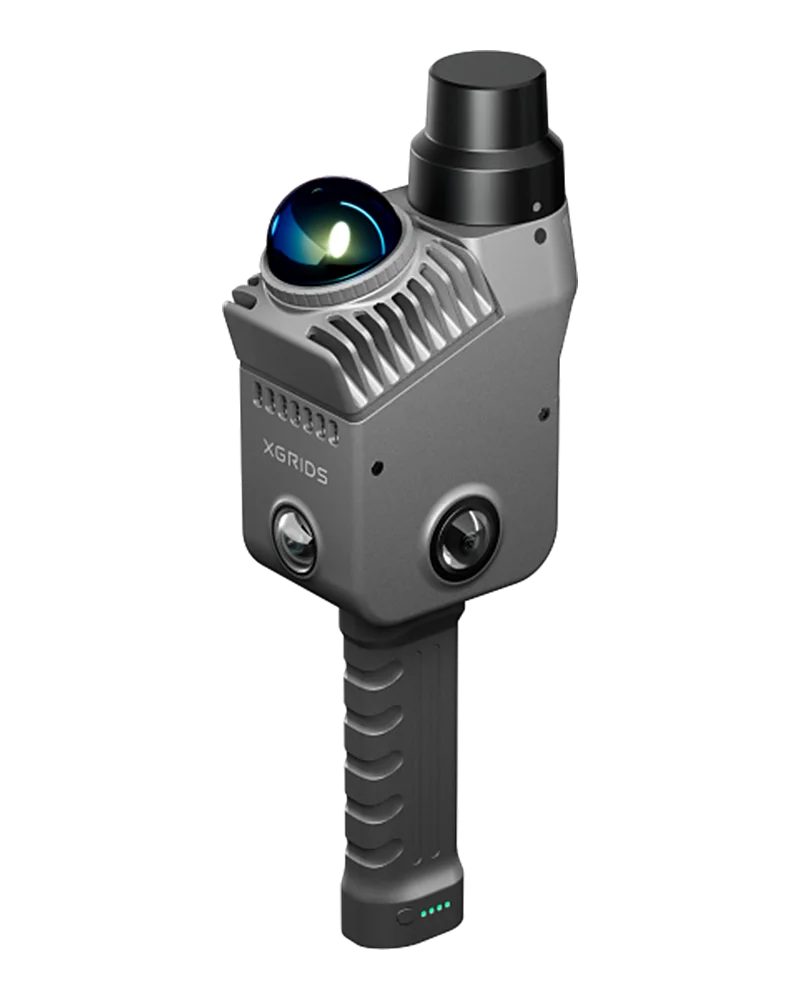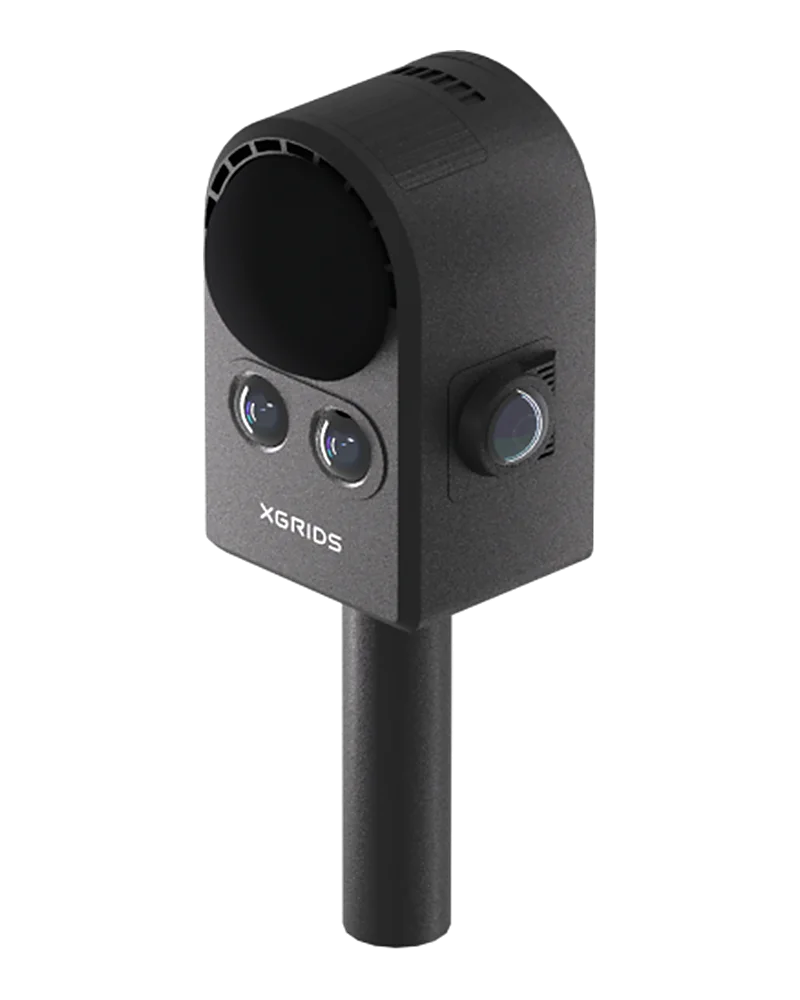

This chapter applies only to the latest PortalCam adapter bracket and the K2 / L2 Pro folding U-shaped bracket. The sliding-thread, ball-head interference, and L2 Pro old-bracket interference issues have been removed from the current version.
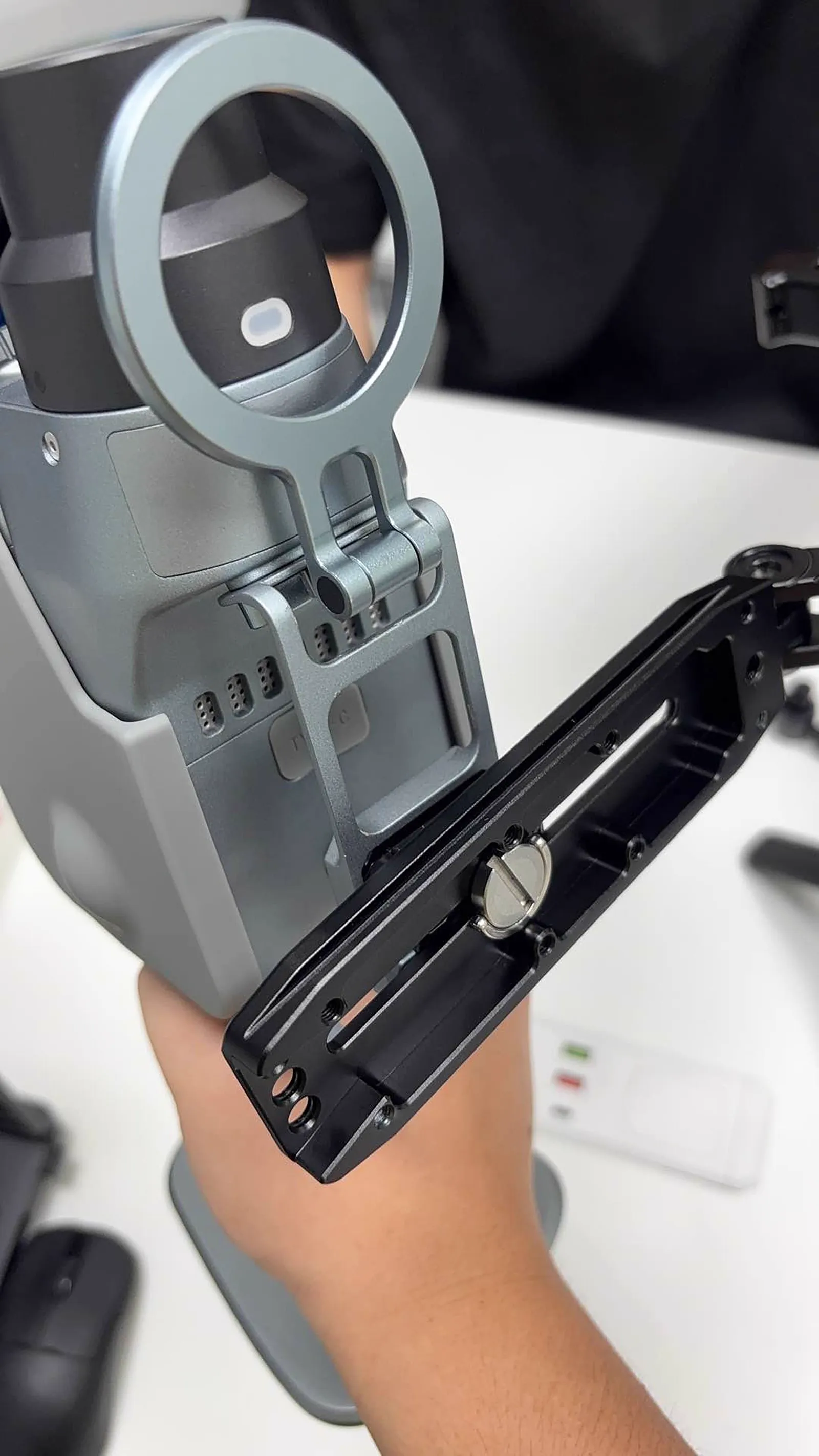
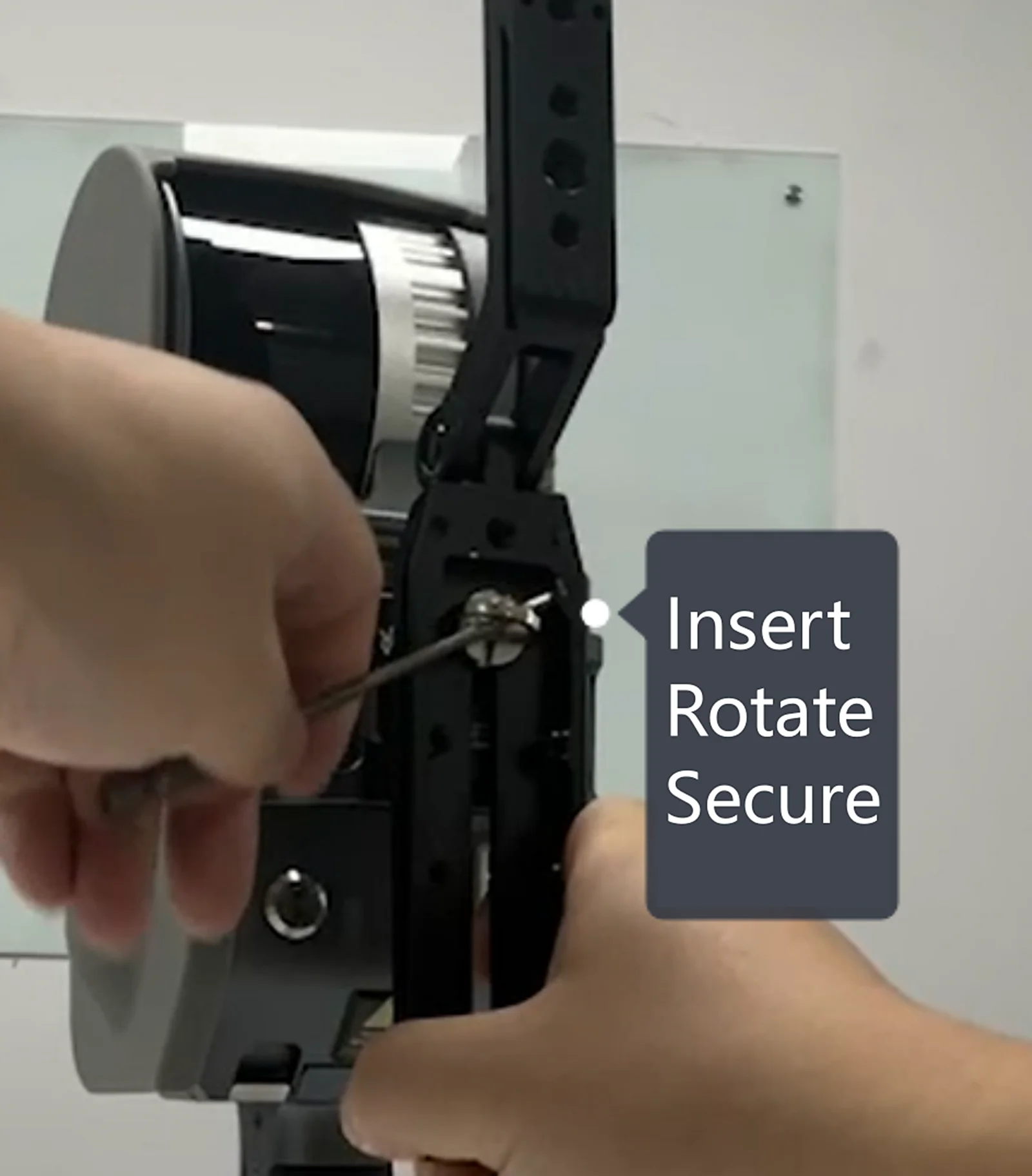
Bracket is not secure; the Stick Light tilts or rotates
Applies to: All supported devices (especially K2 / L2 Pro)
Possible causes:
- The 1/4-inch thread on the bottom of the light body or on the bracket is not fully tightened.
- The body has only one threaded hole in the middle, and single-point fixing cannot restrain the rotation of the whole assembly.
- The friction on the mating surface is insufficient, so it shifts under load.
Solution:
- Hold the light body, then realign and retighten the 1/4-inch thread.
- Add the supplied base screw rubber pads to the mating surface to increase friction.
- If it can still rotate, insert a tool into the bracket screw and turn it to reinforce.
- After reinforcing, push the light body gently to recheck, and start capturing only after confirming there is no relative movement.
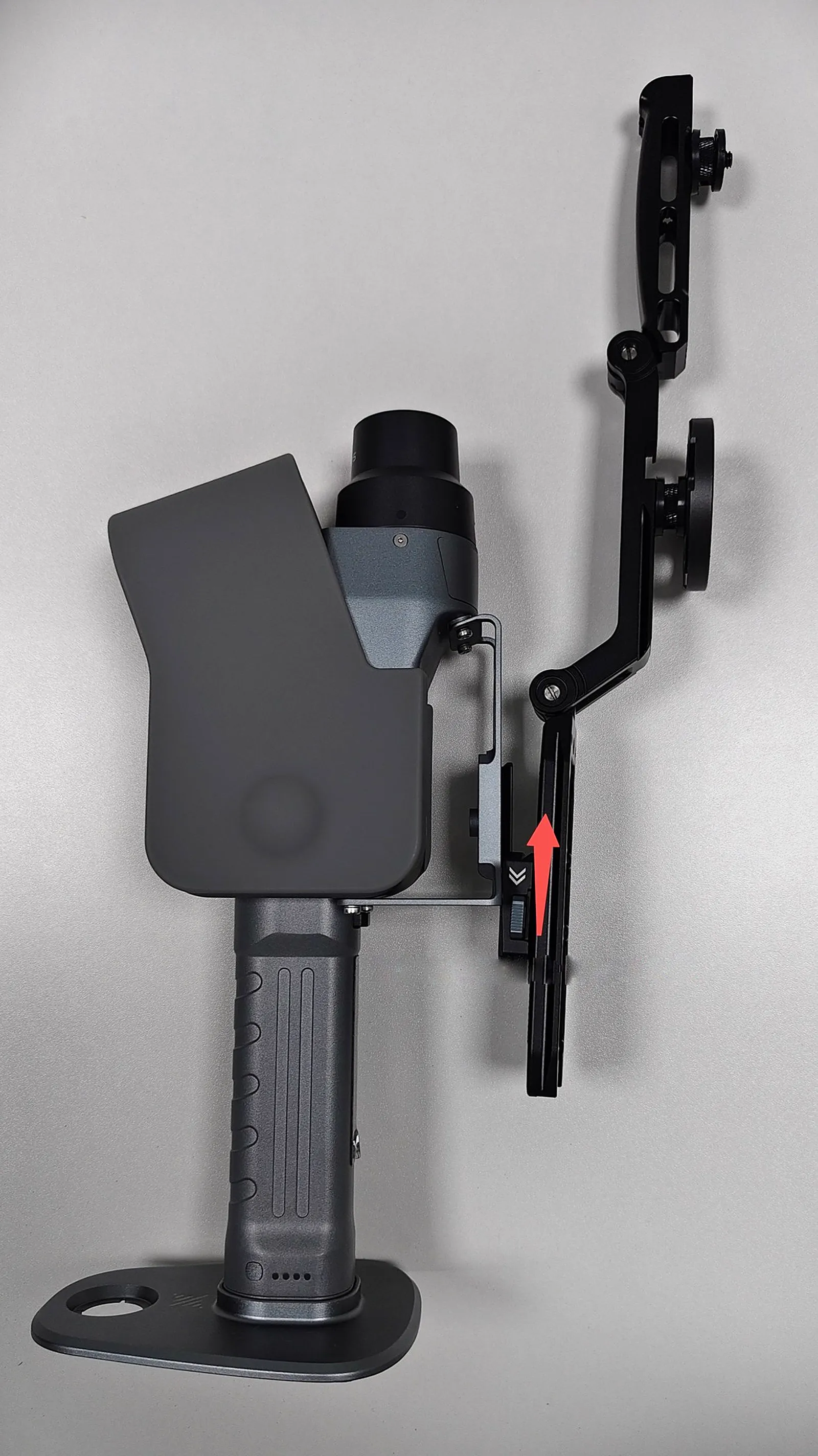
The U-shaped bracket will not slide into the body slot
Applies to: Lixel K2, Lixel L2 Pro
Possible causes: The bracket orientation is wrong, the rail is not parallel with the slot, there are foreign objects in the slot, or a mismatched bracket is used.
Solution:
- Confirm the bracket matches the device model.
- Clean the rail and body slot.
- Keep the rail parallel with the slot and push straight up in the direction of the arrow in the installation image.
- If it still will not slot in, stop installing and contact the product owner; do not insert at an angle or pry.
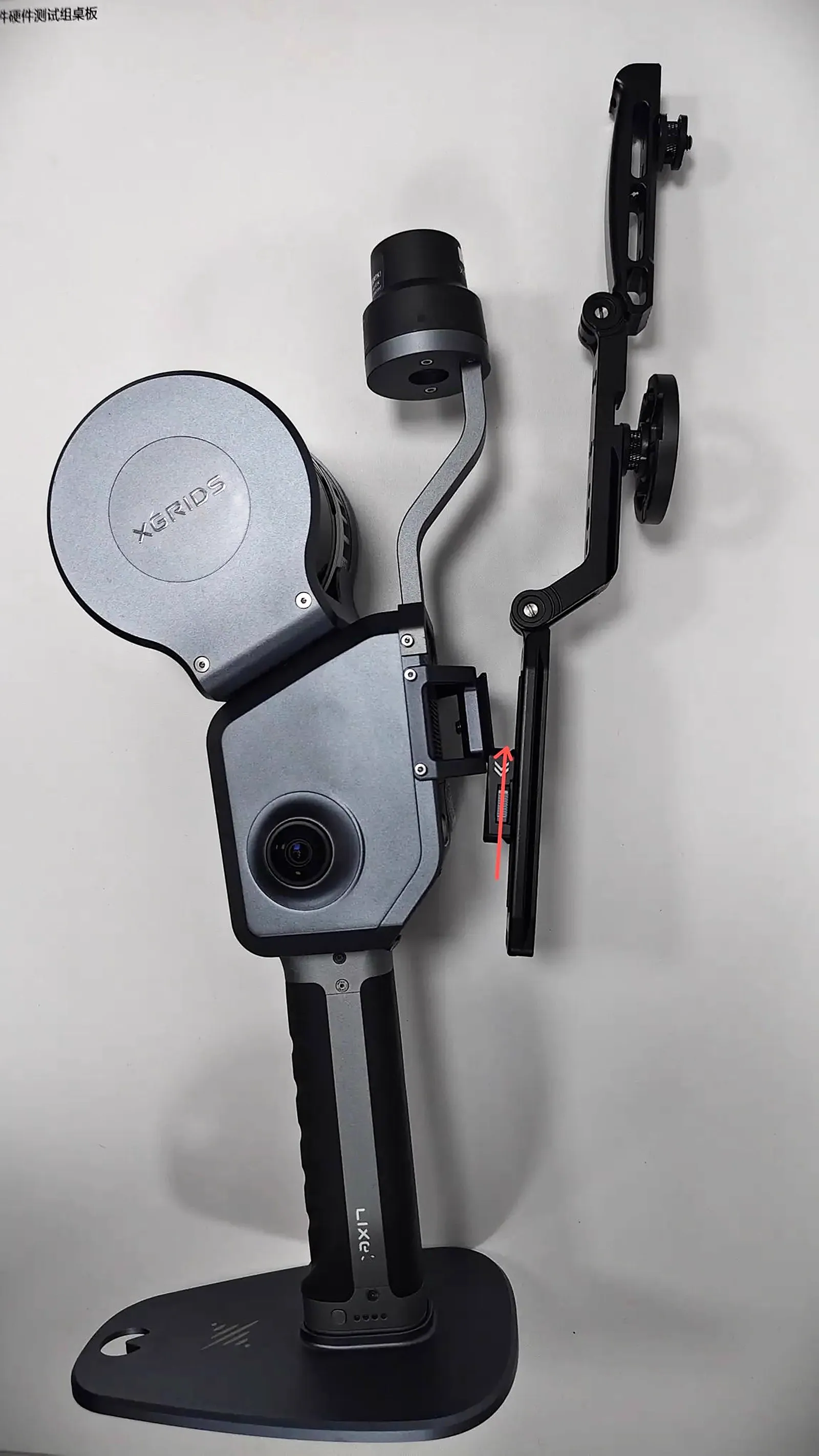
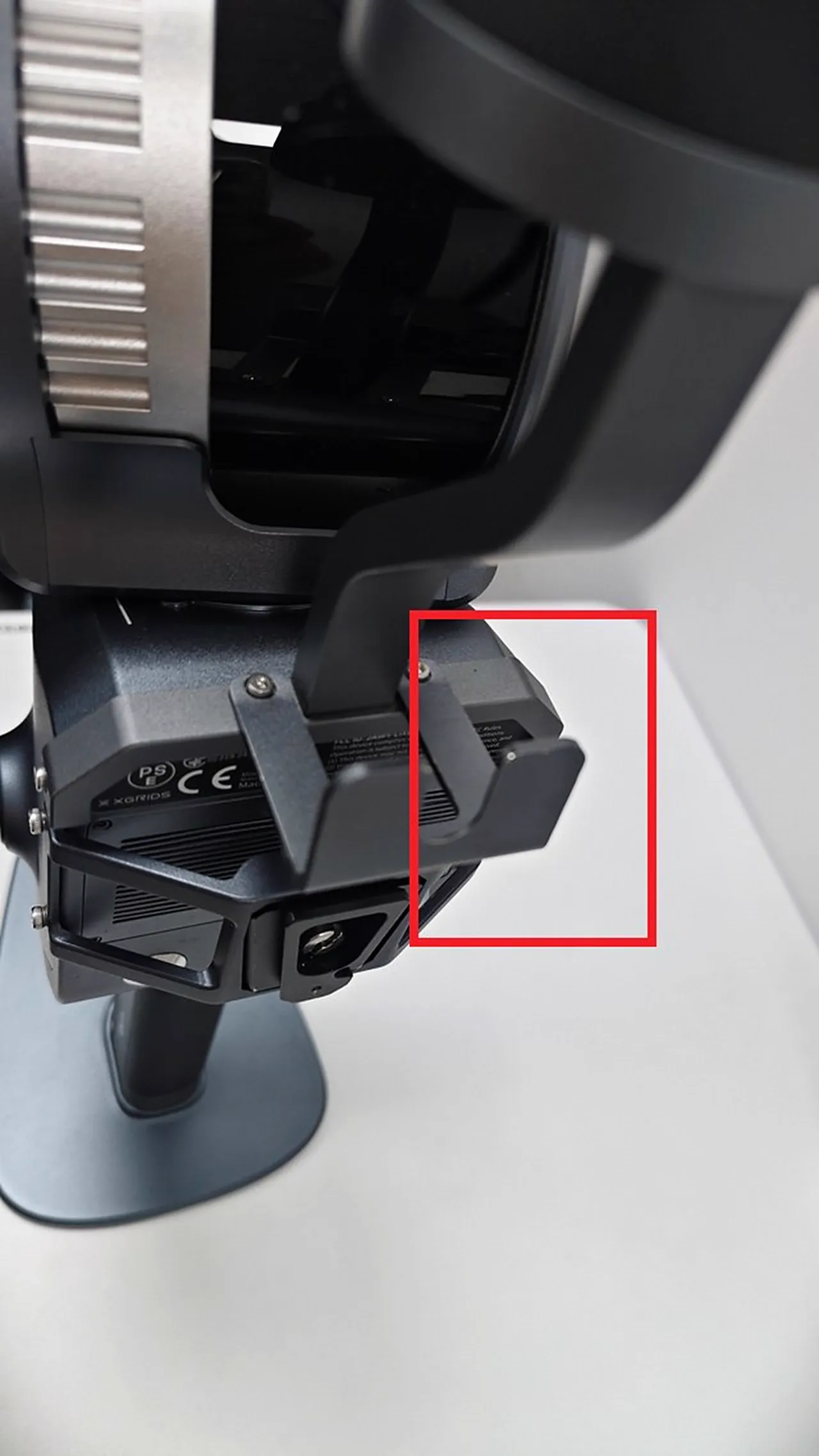
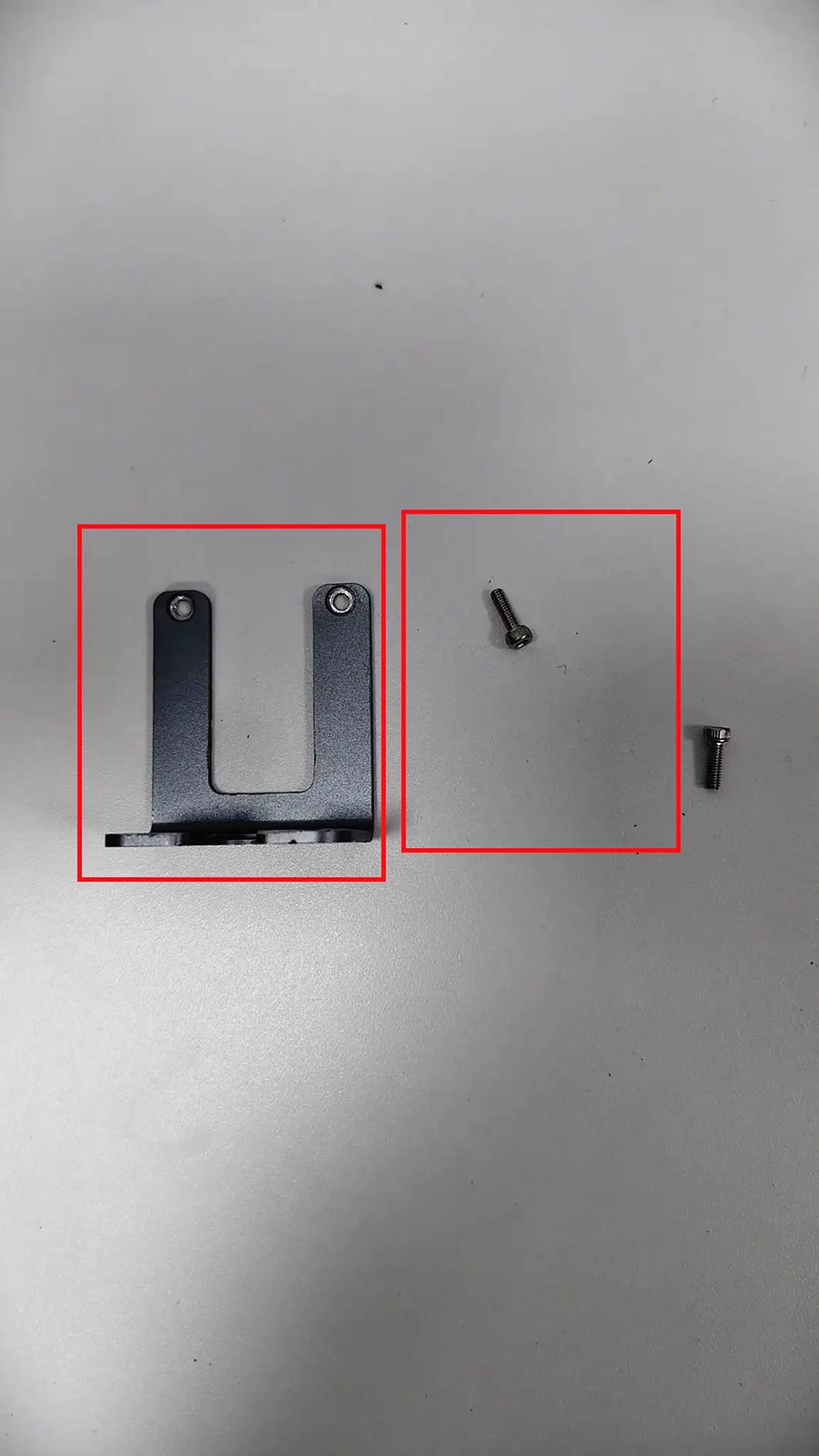
Lixel L2 Pro bracket interferes with the U-shaped metal part on the body
Applies to: Lixel L2 Pro
Possible cause: The U-shaped metal part on the body occupies the space needed by the folding U-shaped bracket. If it is not removed, the bracket cannot slide into the slot or seat properly.
Solution:
- Turn off the device and the Stick Light, and place the device on a stable surface.
- Use the supplied hex tool to remove the two screws of the U-shaped metal part and take the part off.
- Slide the folding U-shaped bracket back into the body slot as described in the Installation Guide.
- After removing the Stick Light, reinstall the U-shaped metal part and the two screws as they were.
The bracket hinge is very tight or cannot be adjusted
Applies to: Lixel K2, Lixel L2 Pro
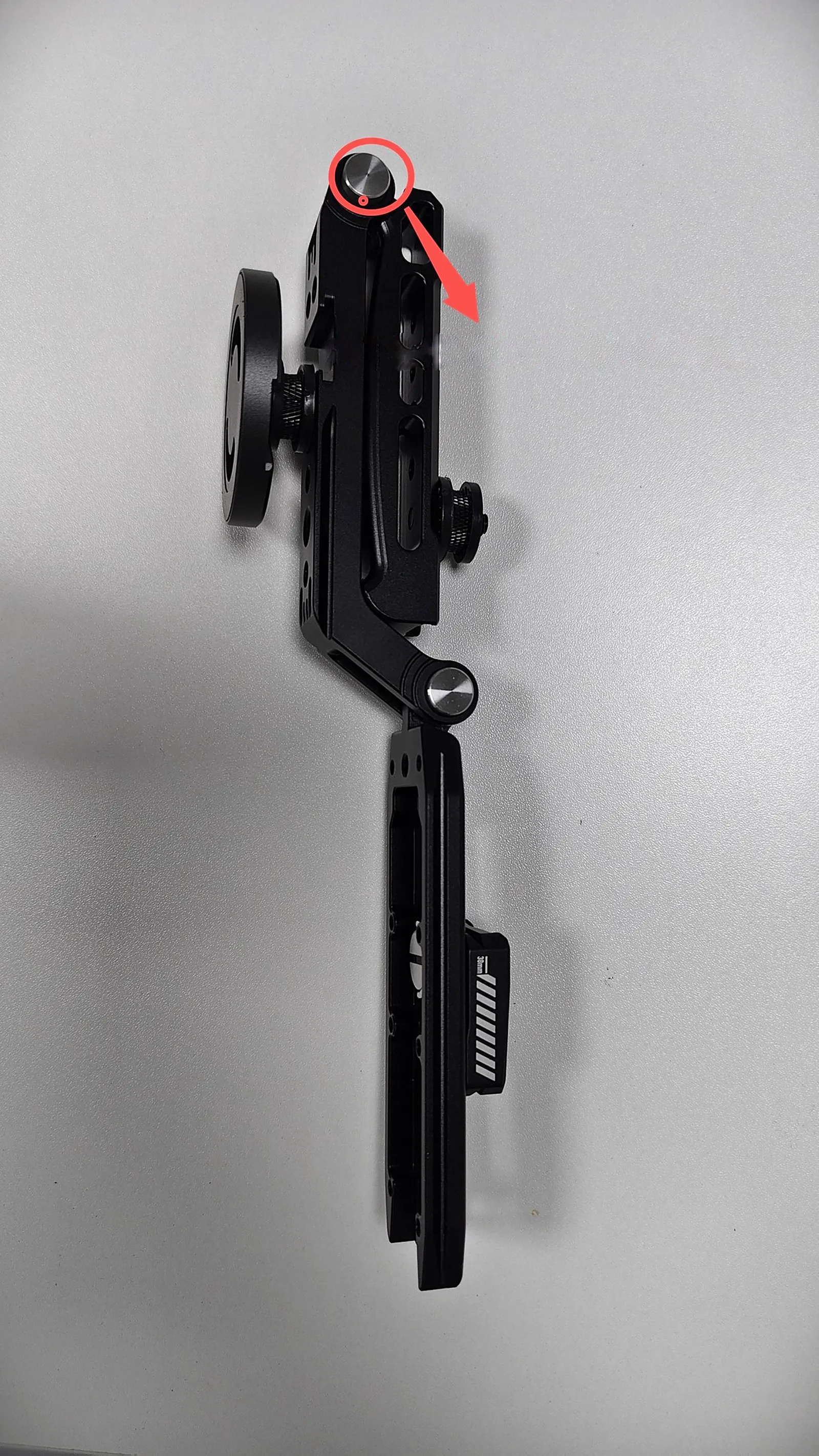
Possible cause: The arm was moved directly without pressing the silver hinge button.
Solution: Press and hold the silver hinge button, then turn the corresponding arm; after adjusting to the target angle, release the button and confirm the button springs back and the hinge locks.
The bracket is still loose after installation
Applies to: Lixel K2, Lixel L2 Pro
Possible causes: The bracket is not pushed to the slot limit, there are foreign objects in the slot, or the bracket model does not match.
Solution:
- Turn off the device and the Stick Light and hold the bracket steady.
- Remove the bracket in the direction opposite to the installation arrow.
- Check the rail and slot, clear any foreign objects, and push it back in to the limit.
- Gently pull the bracket to recheck; if it is still loose, stop using it and contact the product owner.
The pad on the bottom comes off easily
Applies to: PortalCam (adapter bracket mating surface); also applies to K2 / L2 Pro when pads are added
Possible causes: The pad is a friction-increasing consumable and shifts under long-term pressure and screwing. If the mating surface has dust, grease, or adhesive residue, adhesion drops noticeably. Repeated installation and removal accelerate the wear.
Solution:
- Remove the device and the adapter bracket, and take off any remaining pad.
- Use a clean soft cloth to clean off dust, grease, and adhesive residue from the mating surface, and wait until it is completely dry.
- Align the pad with the area around the 1/4-inch threaded hole and stick it on flat, avoiding wrinkles or covering the threaded hole.
- Retighten the connection; after locking, push the device gently to confirm there is no relative movement.
- When the pad is deformed, has lost its elasticity, or is no longer sticky, replace it with a supplied spare; do not keep using it.
The light body or magnetic phone holder blocks the device
Applies to: All supported devices
Solution:
- PortalCam: keep the light buttons facing up and the diffuser facing straight ahead, and check the adapter bracket orientation.
- K2 / L2 Pro: press the hinge button to adjust the arm and the magnetic phone holder so they avoid the lens, the LiDAR rotation range, ports, and buttons.
- After adjusting, recheck that all threads, slots, and hinges are secure.
How to remove the U-shaped bracket
Applies to: Lixel K2, Lixel L2 Pro
Solution: Turn off the device and the Stick Light, remove the light body first and hold the U-shaped bracket, then slide it out smoothly in the direction opposite to the installation arrow. Do not twist the bracket or use a tool to pry the body slot.
This chapter is from the official XGRIDS user manual. Official source (opens in a new tab) · Updated: